Content is still king. But the way we create content is changing fast.
Artificial intelligence is transforming how businesses write, design, edit, translate, and optimize content. In 2026, the top AI tools for content creation are not just assistants—they are collaborators.
They help teams work faster, smarter, and with more creativity than ever before.
This guide explores the top AI tools that form the modern content stack. We’ll look at what each tool does, how it works, real use cases, pricing notes, and best practices so you can confidently adopt these tools in your business.
Highlights
- The best AI tools for content creation form a complete 2026 content stack — combining writing (ChatGPT, Jasper, Writesonic), SEO (SurferSEO), design (Canva, DALL·E), video (Pictory, Vidyo.ai, Synthesia), audio (ElevenLabs, Synthesys), and workflow tools (Notion AI, Otter.ai, Framer AI) to streamline production end-to-end.
- Integration and workflow fit matter more than features. The AI content stack should connect with your CMS, CRM, analytics, and design stack, eliminate bottlenecks, and support scalable, repeatable processes—not add tool clutter.
- AI improves performance across channels when used correctly. From SEO-optimized blogs and automated ad copy to AI-generated video clips and multilingual voiceovers, modern AI tools help increase discoverability, engagement, and repurposing efficiency.
- Human oversight is non-negotiable. Always fact-check outputs, refine tone, avoid over-automation, and measure impact. The most successful teams treat AI as a collaborator—not a replacement—for creativity and strategic thinking.
Why AI is a game-changer for content creation
Before we talk about tools, let’s talk about impact.
AI is no longer a novelty. It’s a productivity engine, and task mining software can help teams understand how everyday tasks are performed and where workflow improvements may be possible.
According to McKinsey’s research, 20% of business owners report that 30% of employees use AI to automate their daily tasks—including creative and marketing work.
In content creation, AI helps with:
- Writing faster
- Reducing errors
- Generating ideas
- Translating globally
- Optimizing SEO
- Enhancing audio and video production
And the best part? AI outputs improve when prompts are refined and contextualized.
Below is your 2026 content stack built around the best AI tools for content creation.
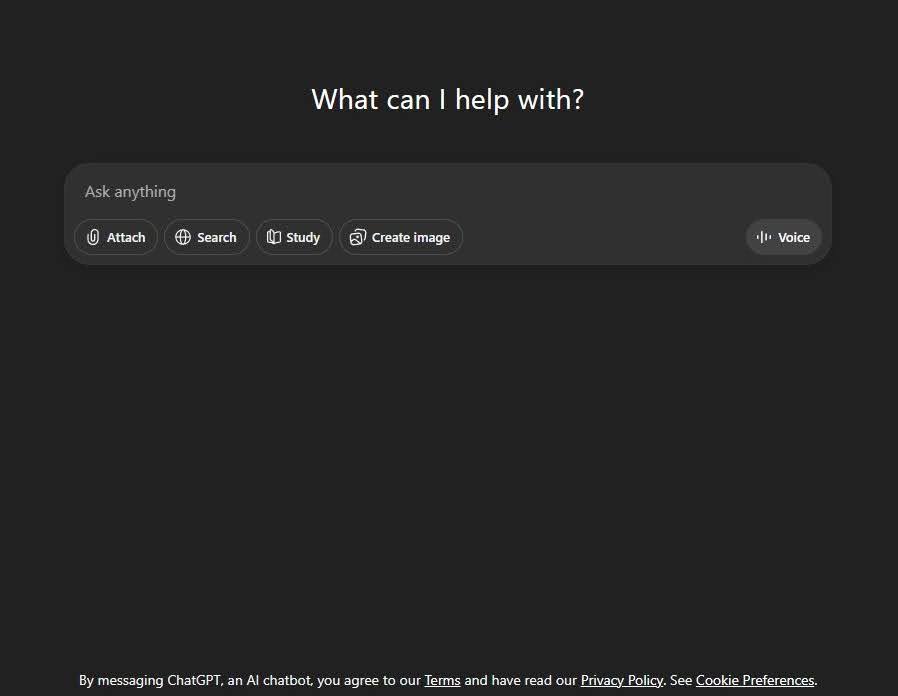
1. ChatGPT + GPT‑4 / GPT‑4o – writing and ideation powerhouse
 https://wordable.io/wp-content/uploads/2026/02/1-4-300x233.jpg 300w, https://wordable.io/wp-content/uploads/2026/02/1-4-768x595.jpg 768w" alt="ChatGPT screenshot" width="898" height="696" />
Among the most famous AI tools is ChatGPT. It offers a variety of features and is among the most widely used tools.
What it does:
ChatGPT, powered by GPT‑4 and now GPT‑4o, is an advanced natural language model that creates, edits, and refines text.
Key features:
- Explain complex ideas simply
- Generate blog posts and social content
- Rewrite copy for tone and clarity
- Create outlines and content briefs
- Answer research queries
Why it’s on the list:
It’s one of the most versatile tools for writing across formats. Whether you need blog copy, email sequences, or product descriptions, ChatGPT delivers everything for your content marketing workflow.
Example use:
An online store can scale its eCommerce content using ChatGPT. They can write weekly blog posts, repurpose them into social captions, and draft newsletter content in minutes.
Tips:
- Use detailed prompts for better output
- Provide examples of the tone you want
- Always fact-check AI facts
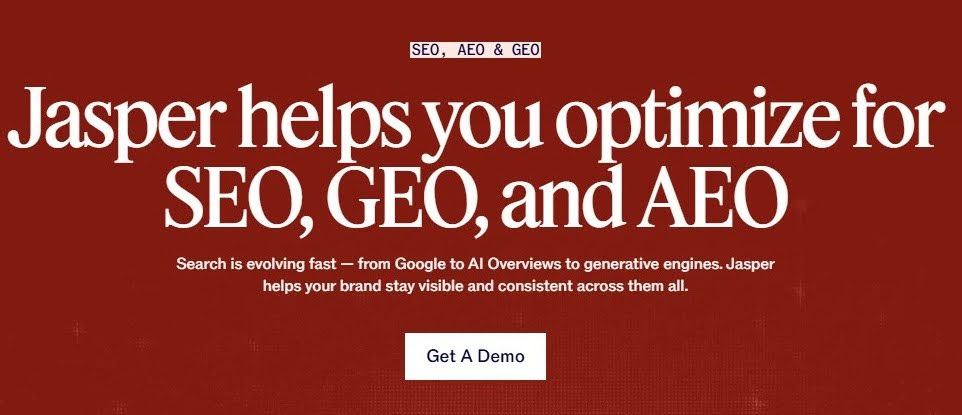
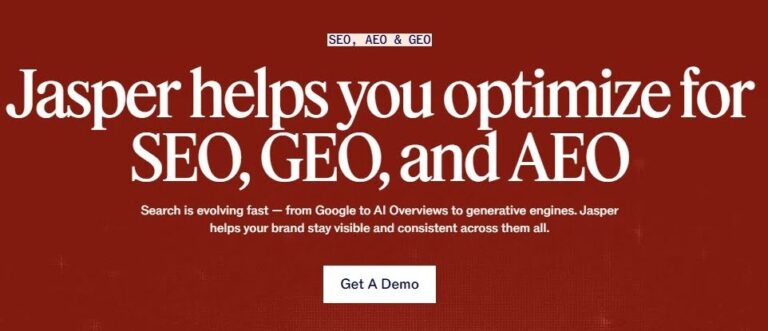
2. Jasper AI – brand‑focused content at scale
 https://wordable.io/wp-content/uploads/2026/02/2-2-300x129.jpg 300w, https://wordable.io/wp-content/uploads/2026/02/2-2-768x331.jpg 768w" alt="Jasper AI helps with SEO, GEO, AEO screenshot" width="962" height="415" />
Jasper AI hits hard with its powerful capabilities for marketing content creation.
What it does:
Jasper AI focuses on marketing content, with templates for blogs, ads, landing pages, and social media.
Key features:
- SEO assistant built‑in
- Long‑form content generation
- Tone and style control
- Brand voice templates
Why it’s on the list:
Jasper AI is optimized to scale content production while maintaining brand voice consistency.
Example use:
Retailers use Jasper AI to generate product descriptions, seasonal campaign emails, and meta descriptions across hundreds of SKUs.
Tips:
- Use the AI editor to refine generated blocks
- Set your brand voice parameters early
- Combine with SEO tools for the best results
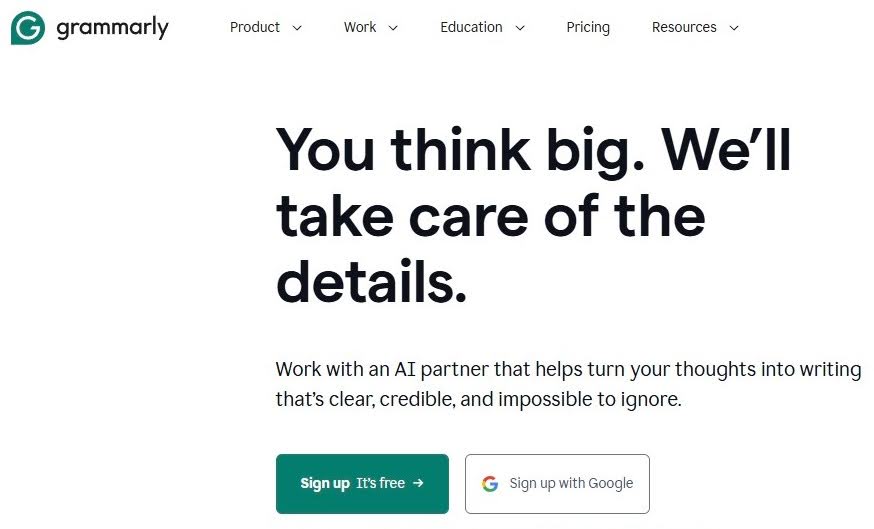
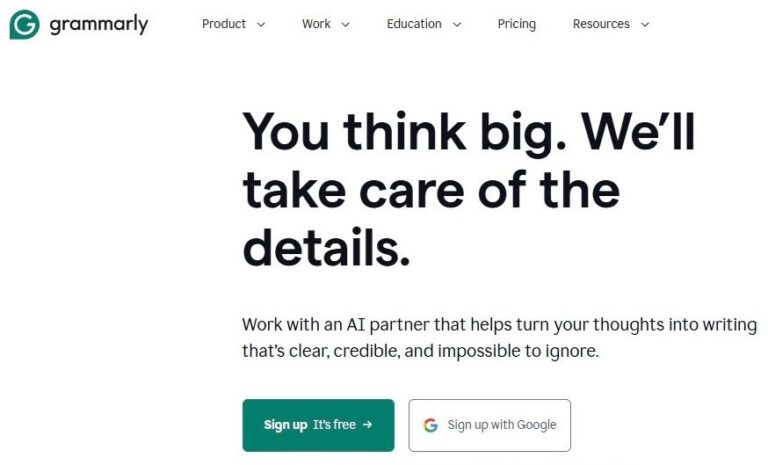
3. Grammarly – AI writing assistant + style coach
 https://wordable.io/wp-content/uploads/2026/02/3-3-300x182.jpg 300w, https://wordable.io/wp-content/uploads/2026/02/3-3-768x465.jpg 768w" alt="Grammarly helps with editing and writing content." width="874" height="529" />
Grammarly complements AI writers by refining clarity, tone, and grammatical accuracy.
What it does:
Grammarly checks grammar, tone, clarity, and style in real-time across platforms.
Key features:
- Grammar & spelling checks
- Tone suggestions
- Clarity and conciseness improvements
- Plagiarism detection
Why it’s on the list:
Even the best writers make mistakes. Grammarly ensures content is polished and professional.
Example use:
A startup founder uses Grammarly to refine investor emails, product copy, and long-form reports, significantly reducing editing time.
Tips:
- Enable goals (audience, formality) for more context-aware suggestions.
- Choose the tone
- Adjust for better readability
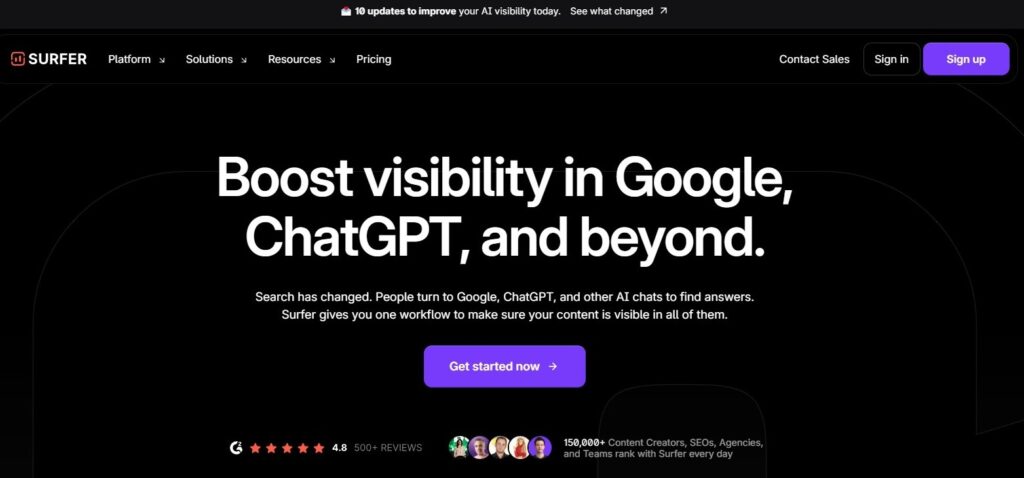
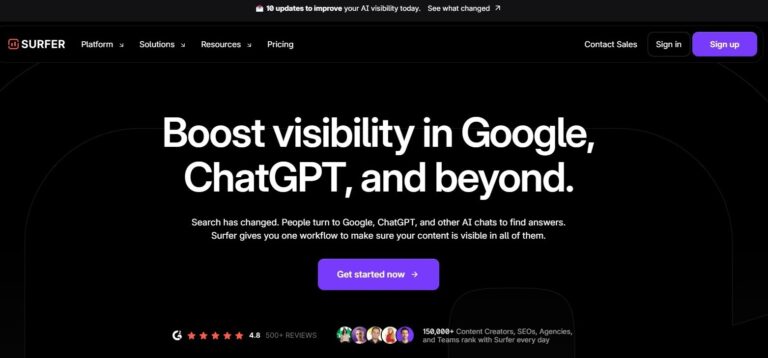
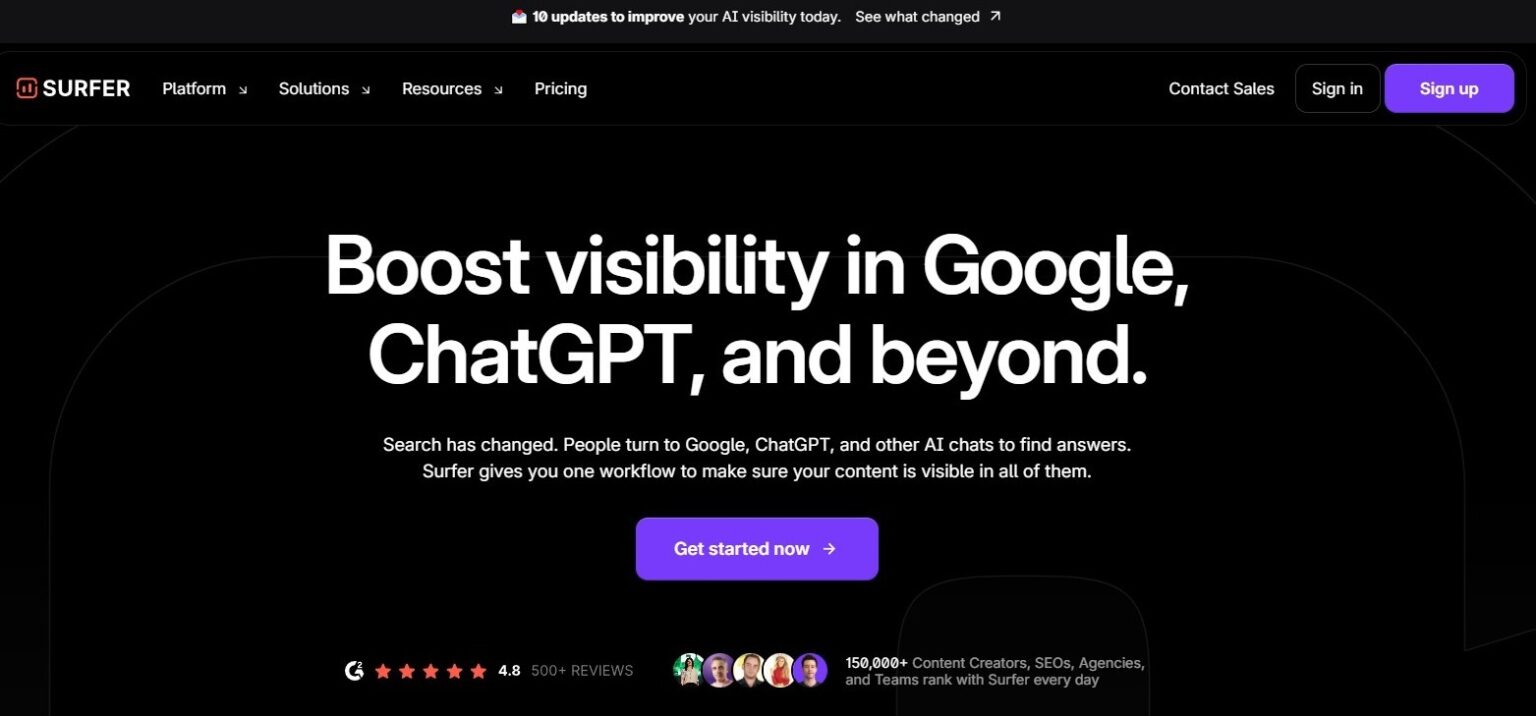
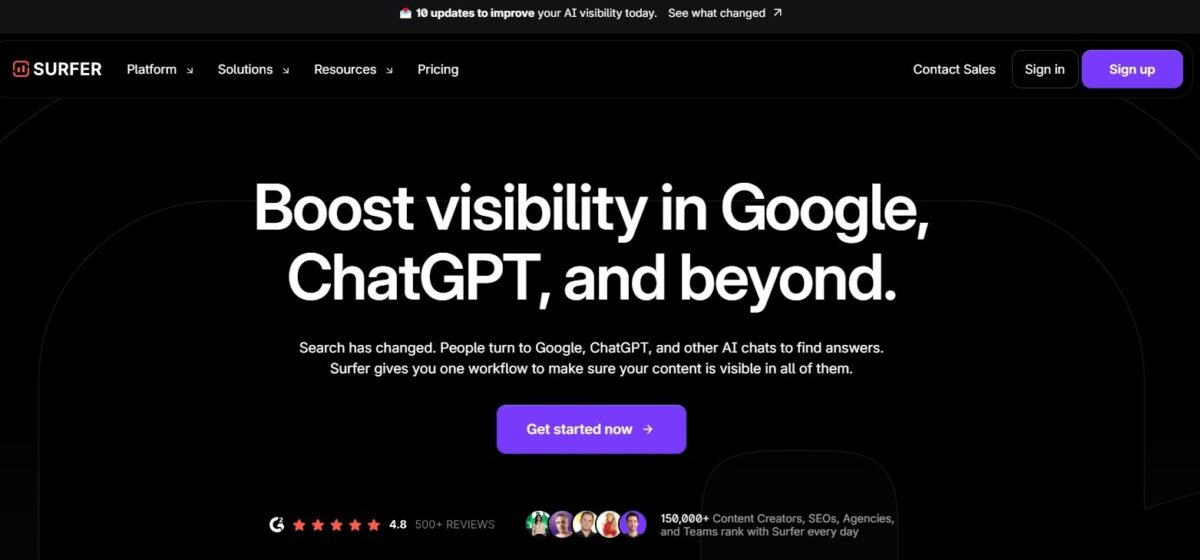
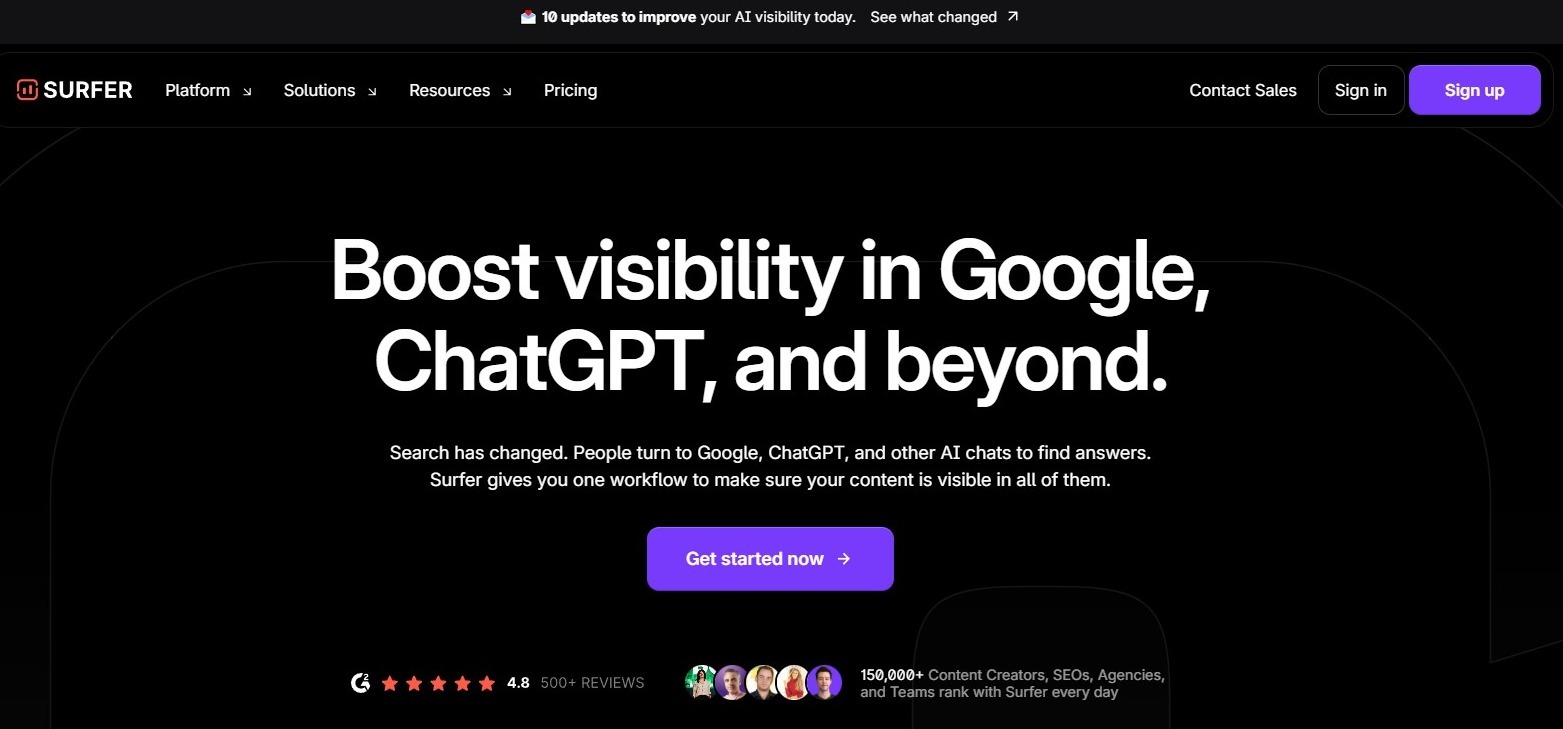
4. SurferSEO – optimize content for search engines
 https://wordable.io/wp-content/uploads/2026/02/image-28-286x300.jpeg 286w, https://wordable.io/wp-content/uploads/2026/02/image-28-24x24.jpeg 24w" alt="SurferSEO screenshot showcasing optimization options for your written content piece." width="541" height="567" />
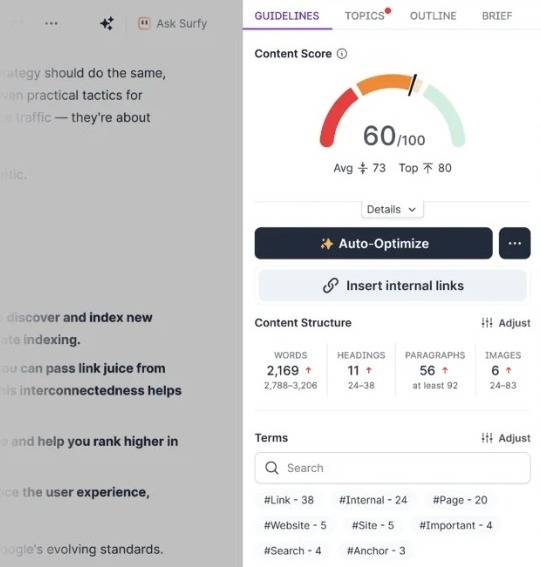
SurferSEO is one of the most recognizable content SEO tools.
What it does:
SurferSEO analyzes top‑ranking pages and provides real‑time recommendations while you write.
Key features:
- Content score and keyword guidance
- SERP analysis
- NLP keyword suggestions
- Competitor content breakdown
Why it’s on the list:
Content without search visibility has a limited impact. SurferSEO ensures optimization of each piece for discoverability.
Example use:
A travel blog increases organic traffic thanks to SurferSEO’s capability to structure posts and optimize key terms based on real competitor data.
Tips:
- Use SurferSEO early in the writing process to guide structure and strategically optimize keywords.
- Write as you optimize, optimize as you write.
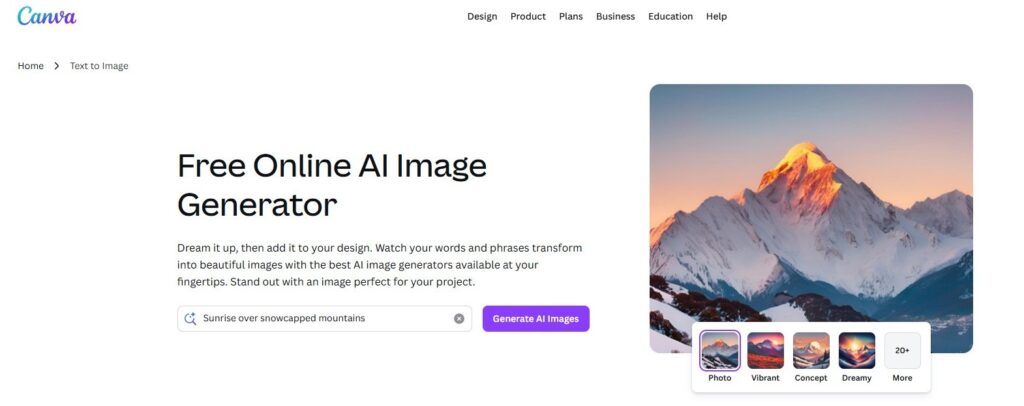
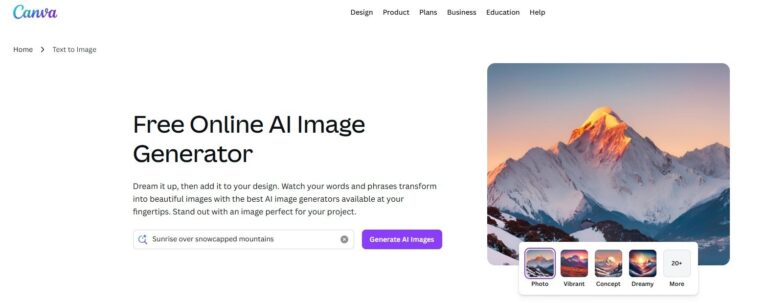
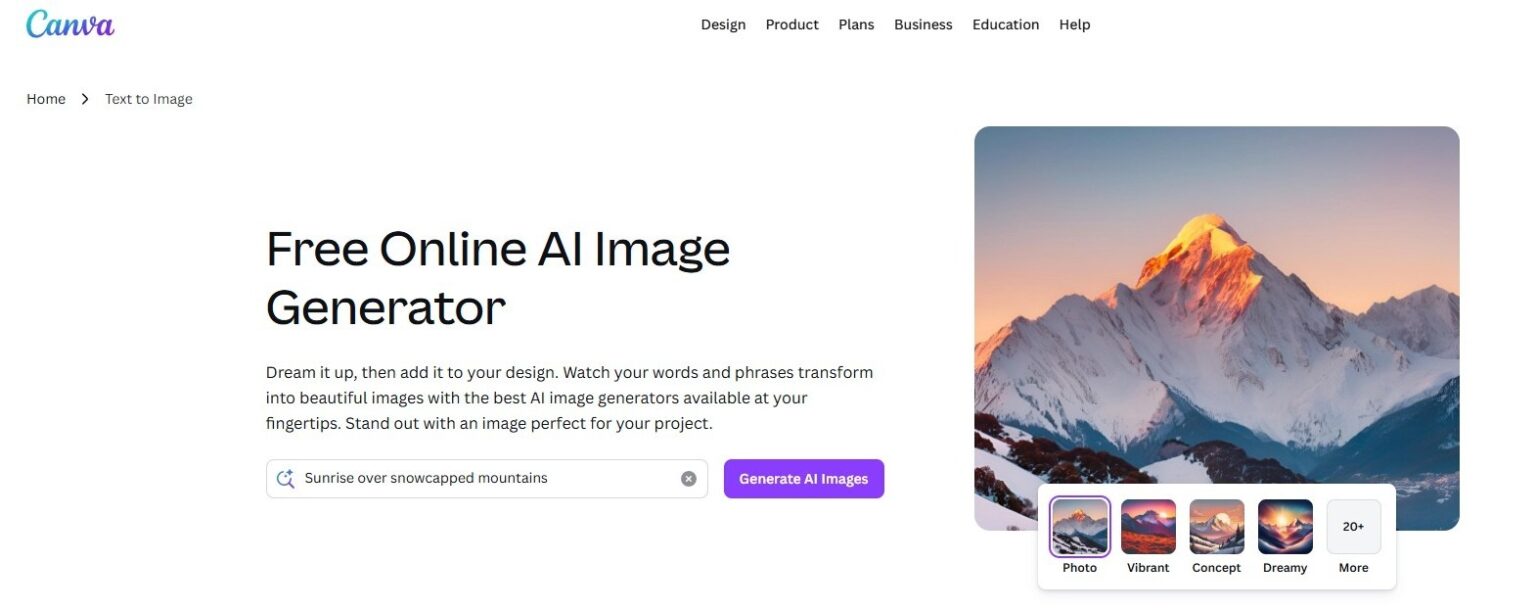
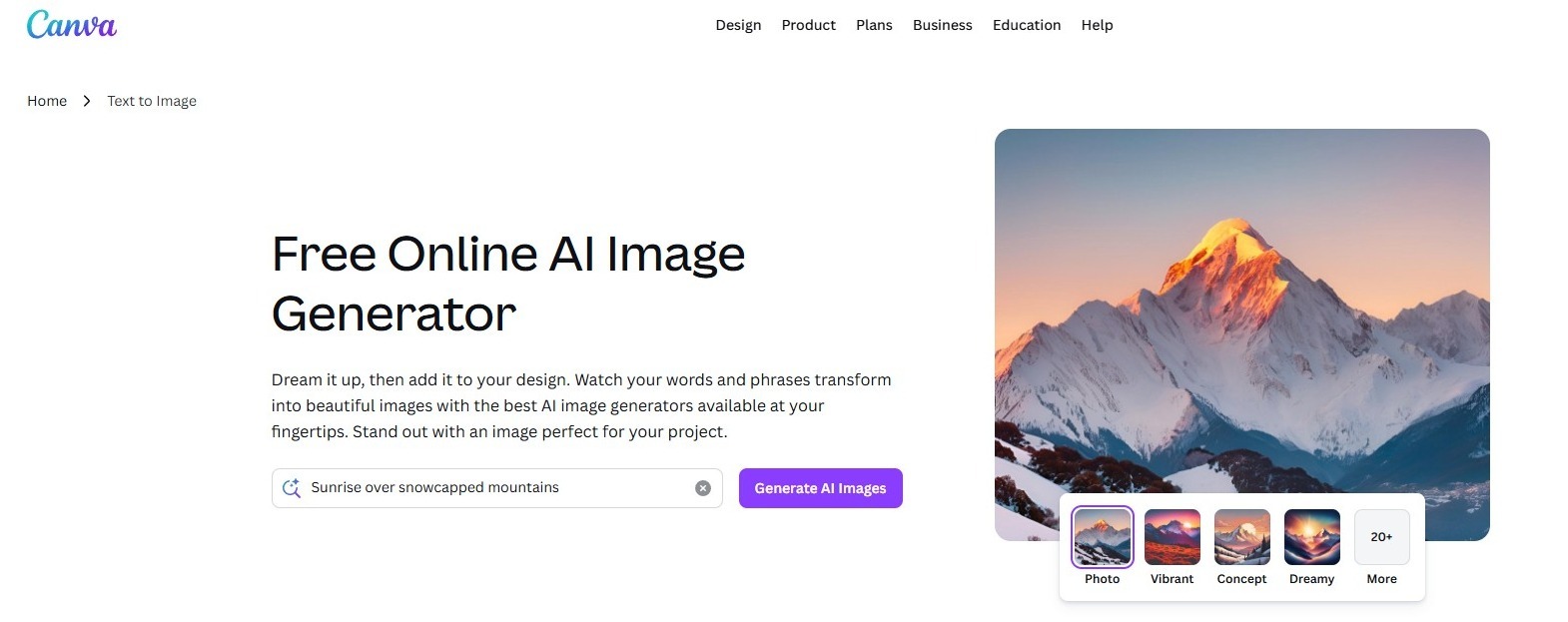
5. Canva AI – design and visual content creation
 https://wordable.io/wp-content/uploads/2026/02/image-29-300x119.jpeg 300w, https://wordable.io/wp-content/uploads/2026/02/image-29-768x305.jpeg 768w, https://wordable.io/wp-content/uploads/2026/02/image-29-1536x610.jpeg 1536w, https://wordable.io/wp-content/uploads/2026/02/image-29-1200x476.jpeg 1200w, https://wordable.io/wp-content/uploads/2026/02/image-29.jpeg 1570w" alt="Canva free image generator screenshot." width="1024" height="406" />
Besides visual content creation, Canva has a new feature called “Magic Write.” This feature can complement your visual strategy with compelling textual pieces.
What it does:
Canva’s AI features generate layouts, suggest visual edits, and create brand‑aligned imagery and graphics.
Key features:
- Background removal
- Magic Resize for multi‑format designs
- AI image generation
- Brand kit application
- Magic Write
Why it’s on the list:
Visual content is essential for engagement, as are blog posts. Canva brings design to non‑designers and AI writers to non-writers.
Example use:
A boutique fashion brand uses Canva to create Instagram carousels, event banners, and ad creatives with consistent branding. For teams creating slide decks alongside other visual assets, an AI presentation maker can also speed up the process of turning ideas into polished presentations.
Tips:
- Use templates as starting points, then customize for your brand voice and colors.
- Write long-form content with ease to complement visual storytelling.
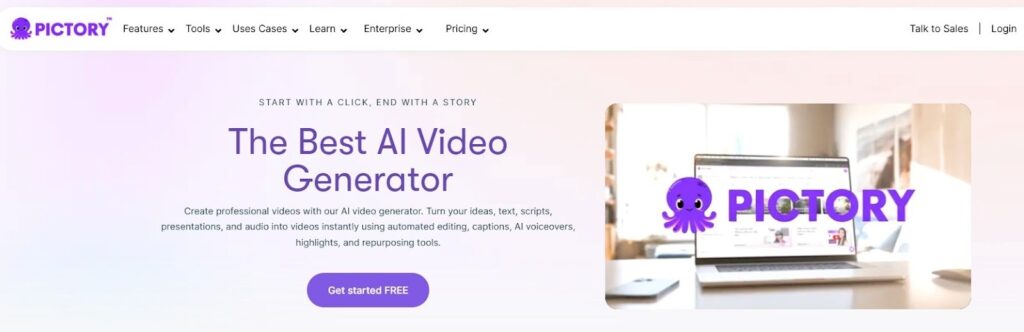
6. Pictory – video creation from text
 https://wordable.io/wp-content/uploads/2026/02/image-30-300x97.jpeg 300w, https://wordable.io/wp-content/uploads/2026/02/image-30-768x249.jpeg 768w, https://wordable.io/wp-content/uploads/2026/02/image-30-1536x497.jpeg 1536w, https://wordable.io/wp-content/uploads/2026/02/image-30-1200x389.jpeg 1200w, https://wordable.io/wp-content/uploads/2026/02/image-30.jpeg 1600w" alt="Pictory, an AI video generator screenshot." width="1024" height="332" />
Pictory is famous for its text-to-video features. In addition to its core capabilities, it is one of the best tools for website content creation.
What it does:
Pictory turns scripts or articles into shareable videos with voiceovers and visuals.
Key features:
- Convert blog posts to video
- Auto-captioning
- Stock media integration
- Multiple export options
Why it’s on the list:
Video is dominating engagement. Pictory makes it fast and scalable.
Example use:
A SaaS company repurposes weekly blog posts into YouTube shorts and social videos, expanding reach with minimal effort.
Tips:
- Add your brand intro/outro to improve recall across videos.
- Organize captions with ease.
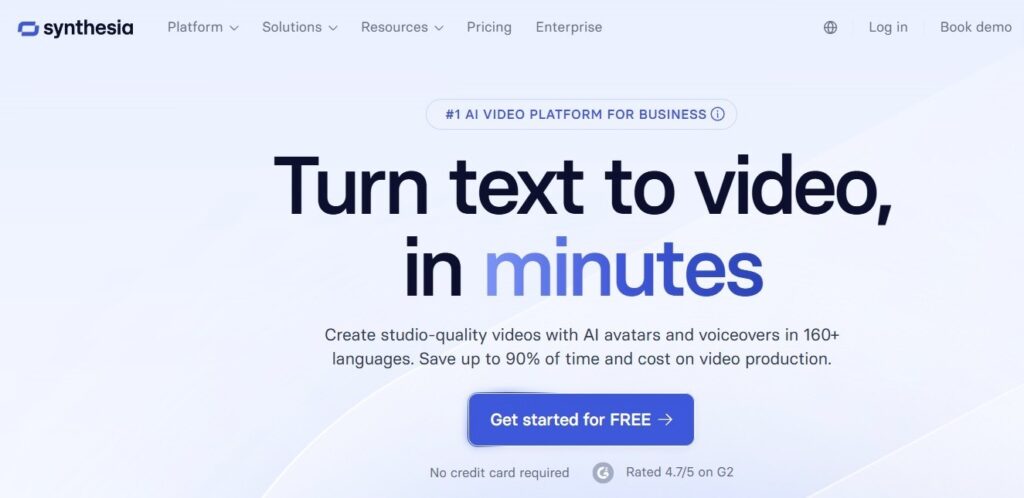
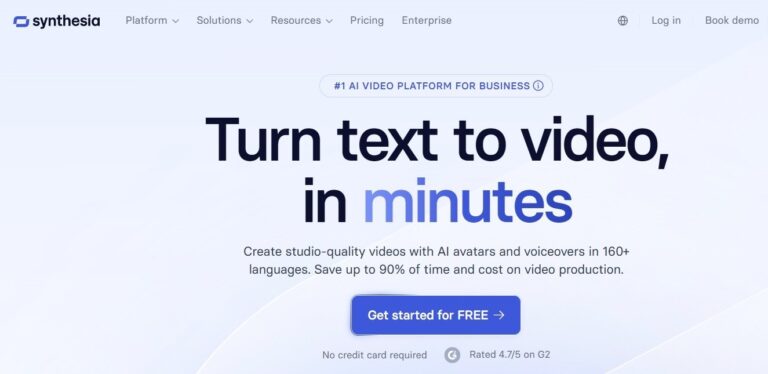
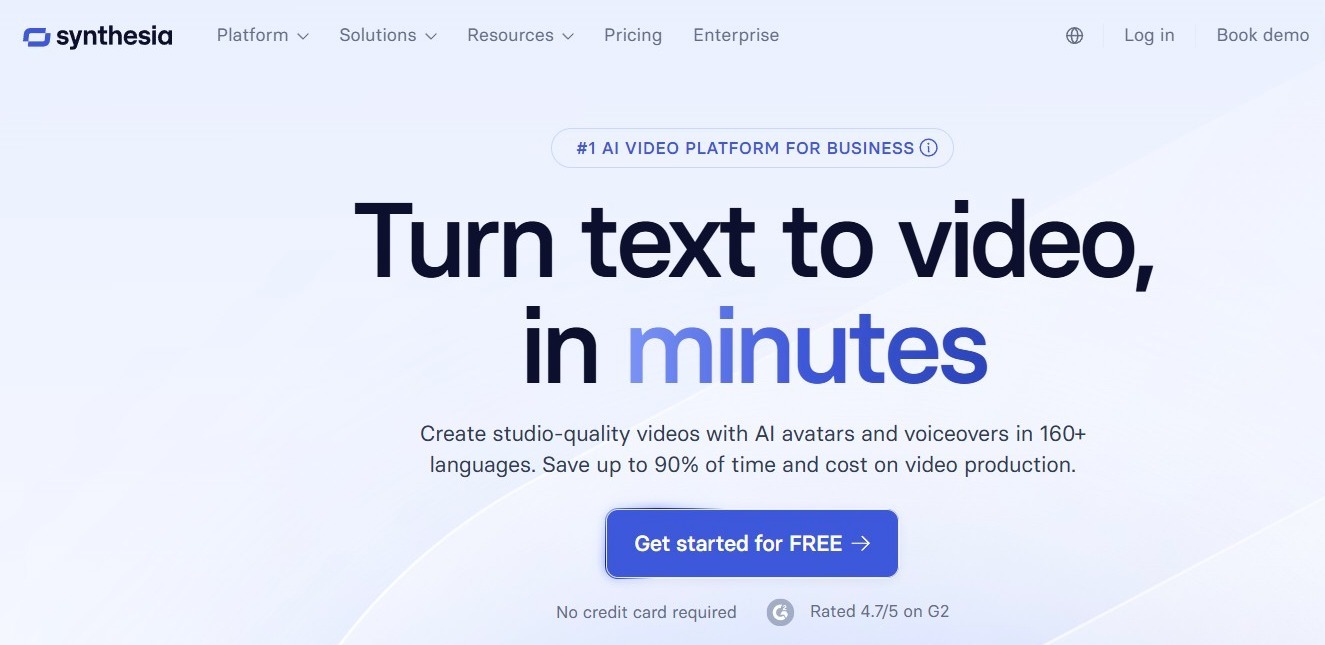
7. Synthesia – AI video presenters
 https://wordable.io/wp-content/uploads/2026/02/image-31-300x146.jpeg 300w, https://wordable.io/wp-content/uploads/2026/02/image-31-768x374.jpeg 768w, https://wordable.io/wp-content/uploads/2026/02/image-31-1200x584.jpeg 1200w, https://wordable.io/wp-content/uploads/2026/02/image-31.jpeg 1325w" alt="Synthesia AI video generation screenshot" width="1024" height="498" />
Synthesia offers AI-powered text-to-video features with multiple options for advanced creators.
What it does:
Synthesia generates realistic AI presenters for training, internal comms, product demos, and customer messaging.
Key features:
- Multiple avatar options
- Text‑to‑speech scripting
- Language support
- Custom backgrounds
Why it’s on the list:
It transforms written content into professional video without cameras or studios.
Example use:
A training department uses Synthesia to create onboarding videos in multiple languages.
Tips:
- Use branded slides and consistent scripts to maintain professionalism.
- Use multiple languages with ease.
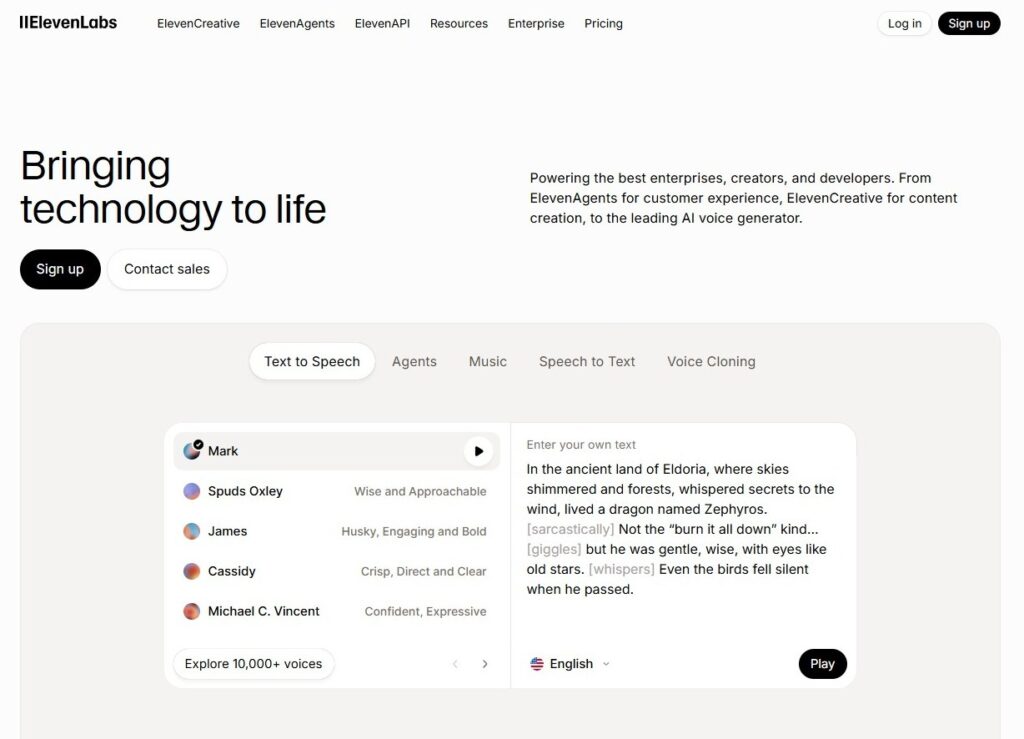
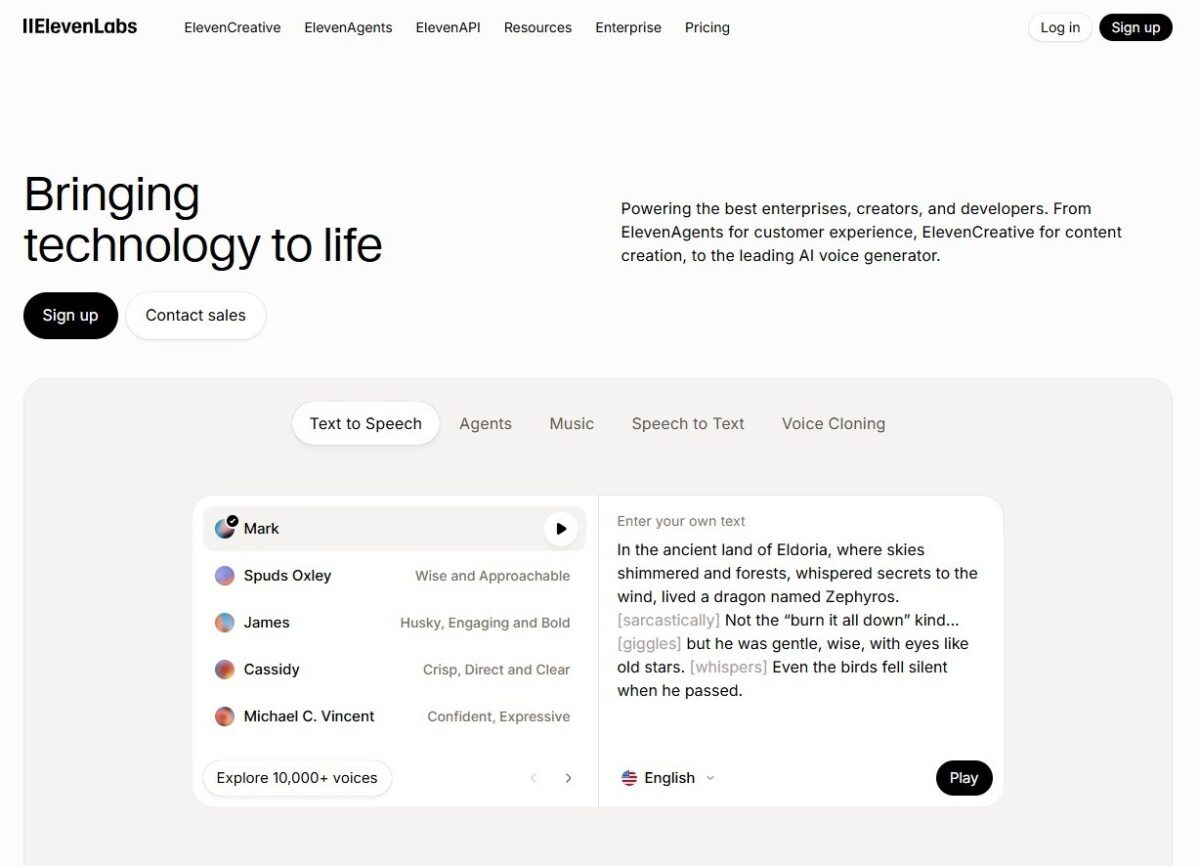
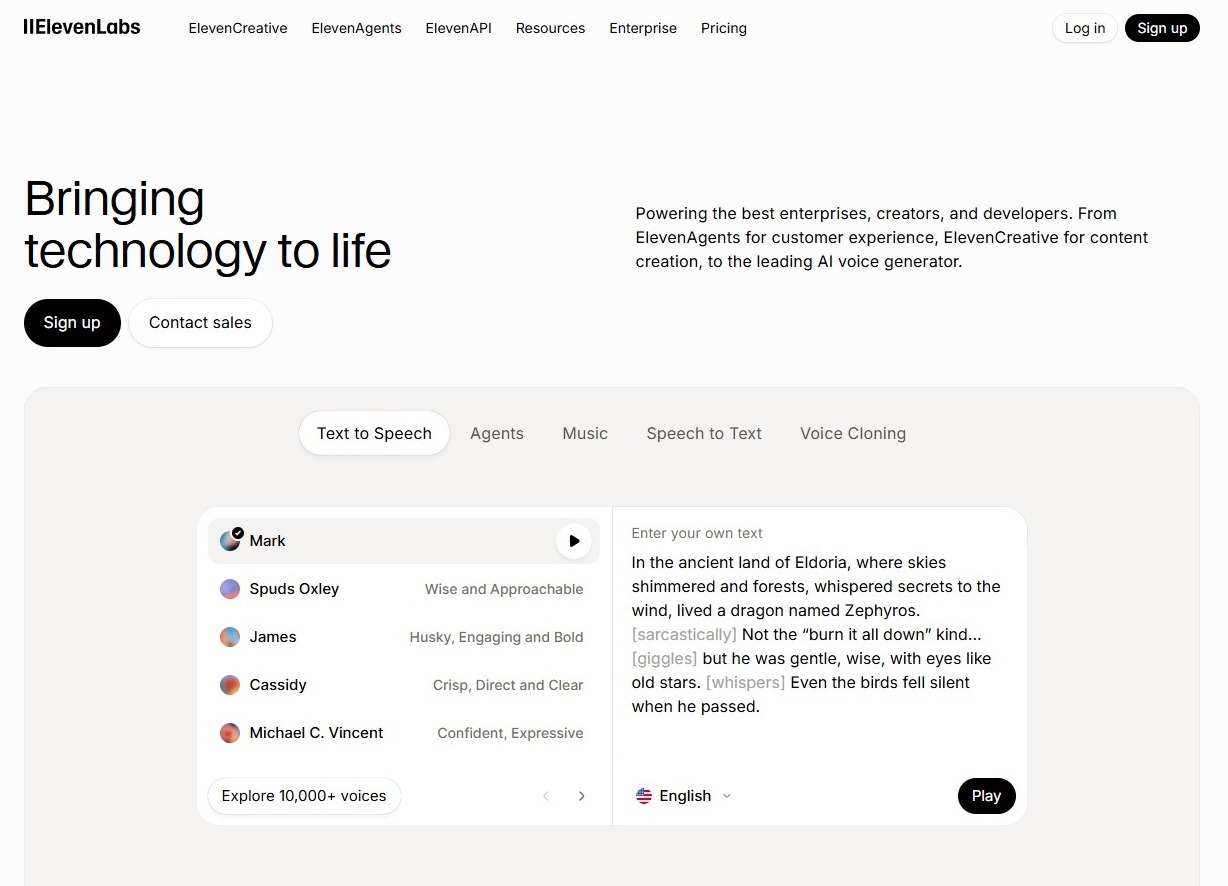
8. ElevenLabs – AI voice generation
 https://wordable.io/wp-content/uploads/2026/02/image-32-300x216.jpeg 300w, https://wordable.io/wp-content/uploads/2026/02/image-32-768x554.jpeg 768w, https://wordable.io/wp-content/uploads/2026/02/image-32-1200x866.jpeg 1200w, https://wordable.io/wp-content/uploads/2026/02/image-32.jpeg 1228w" alt="ElevenLabs is an AI voice generation tool" width="1024" height="739" />
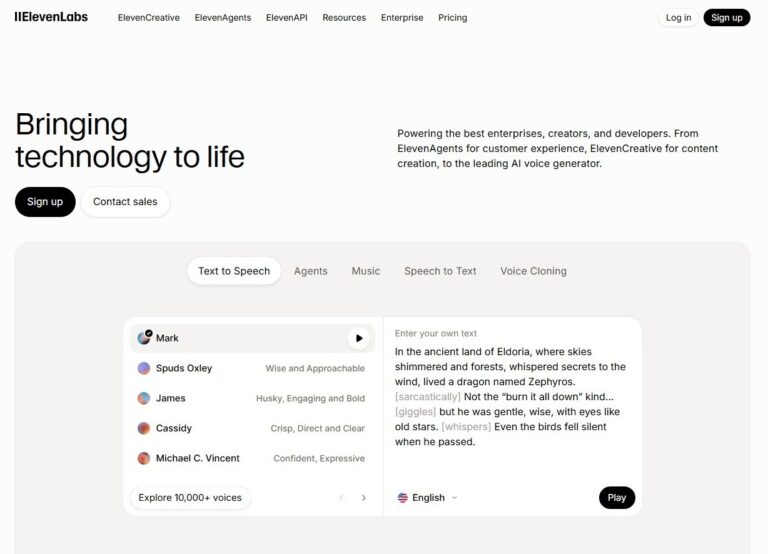
ElevenLabs is the ultimate AI voice generation tool. It offers a great variety of features and options for audio generation.
What it does:
ElevenLabs creates natural‑sounding voiceovers from text.
Key features:
- Custom voice cloning
- Natural intonation
- Multi‑language support
- API access for developers
Why it’s on the list:
Audio content—such as podcasts, narration, or voice ads—requires high-quality voice production. ElevenLabs delivers human-like voices at scale.
Example use:
A podcast repurposes blog articles into audio episodes using AI voices, increasing accessibility.
Tips:
- Match voice style to audience preferences for better engagement.
- Generate music, vocals, and lyrics with a few clicks.
- Choose the best-suited voice option from the voice library.
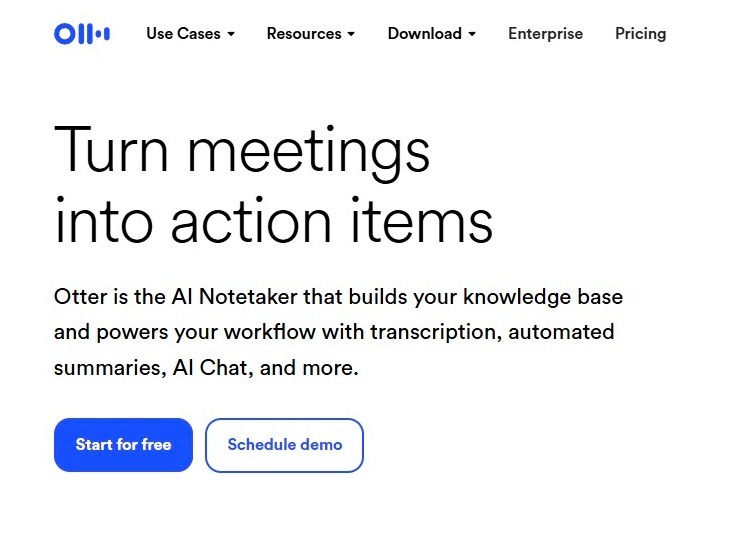
9. Otter.ai – AI transcription and notes
 https://wordable.io/wp-content/uploads/2026/02/image-33-300x219.jpeg 300w" alt="Otter AI is a transcription and notetaker tool." width="729" height="533" />
An AI transcription tool and notetaker helps transcribe multiple media formats with ease.
What it does:
Otter.ai transcribes audio and video with high accuracy.
Key features:
- Real-time transcription
- Speaker identification
- Exportable notes
- Integration with Zoom and Teams
Why it’s on the list:
Interviews, podcasts, and webinars can fuel evergreen content when transcribed and repurposed.
Example use:
A business host records quarterly webinars, transcribes them with Otter, and turns them into blog articles and lead magnets.
Tips:
- Always review transcriptions for minor errors before publishing.
- Export notes of your transcription for ease of access.
10. DALL·E – AI image generation
 https://wordable.io/wp-content/uploads/2026/02/image-34-300x108.jpeg 300w, https://wordable.io/wp-content/uploads/2026/02/image-34-768x278.jpeg 768w, https://wordable.io/wp-content/uploads/2026/02/image-34-1200x434.jpeg 1200w, https://wordable.io/wp-content/uploads/2026/02/image-34.jpeg 1527w" alt="DALL·E is an AI image generator." width="1024" height="370" />
An AI image generation tool that does more than you think.
What it does:
DALL·E tool generates custom, brand‑aligned visuals from text prompts.
Key features:
- Style and theme control
- High‑resolution outputs
- Iterative generation
Why they’re on the list:
Sometimes stock images fall short. Generated art fills visual gaps and sparks creativity.
Example use:
A tech brand uses DALL·E to visualize conceptual ideas for a keynote presentation.
Tips:
Use prompts that include:
- Style descriptors
- The emotion you want to convey
- Brand context
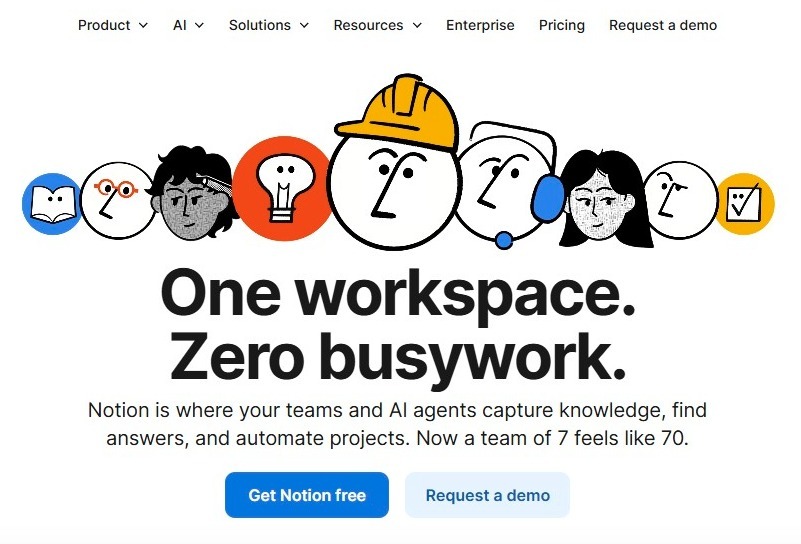
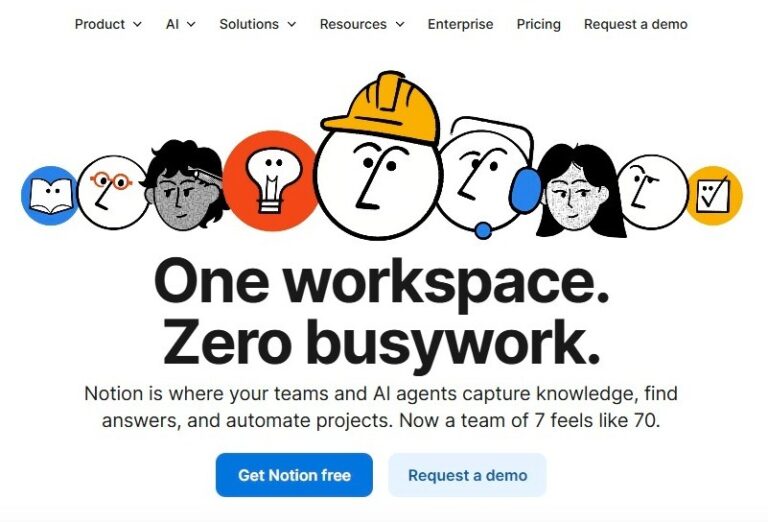
11. Notion AI – intelligent knowledge and content workspace
 https://wordable.io/wp-content/uploads/2026/02/image-35-300x204.jpeg 300w, https://wordable.io/wp-content/uploads/2026/02/image-35-768x522.jpeg 768w" alt="Screenshot of Notion's homepage." width="801" height="544" />
Notion AI is a workspace writer and gatekeeper of all your files.
What it does:
Notion AI assists writing, summarizing, and organizing within your company’s workspace.
Key features:
- AI summaries
- Outlines and drafts
- Automated meeting notes
- Integration with internal knowledge bases
Why it’s on the list:
Content operations require collaboration and documentation. Notion AI improves team workflows.
Example use:
Teams store content briefs, brand guidelines, and drafts in Notion, using AI to speed organization.
Tips:
- Combine with your digital asset library for smooth content planning.
- Organize workspace documents with ease.
12. SurferSEO + ChatGPT integration – combined power
 https://wordable.io/wp-content/uploads/2026/02/image-36-300x140.jpeg 300w, https://wordable.io/wp-content/uploads/2026/02/image-36-768x358.jpeg 768w, https://wordable.io/wp-content/uploads/2026/02/image-36-1536x716.jpeg 1536w, https://wordable.io/wp-content/uploads/2026/02/image-36-1200x560.jpeg 1200w, https://wordable.io/wp-content/uploads/2026/02/image-36.jpeg 1563w" alt="Integration of SurferSEO and ChatGPT screenshot." width="1024" height="478" />
It offers numerous AI services. Besides, it brings a powerful combination of two of the best AI tools available is ChatGPT and SurferSEO integration.
What it does:
When SurferSEO integrates with GPT tools, you get content that is both well‑written and search‑optimized.
Key features:
- AI writing with SERP guidance
- Real‑time optimization signals
- Content scoring
Why it’s on the list:
It bridges writing quality with real-time SEO optimization.
Example use:
An educational site uses SurferSEO‑ChatGPT workflows to push new articles that rank on page one.
Tips:
- Use it for cornerstone content and pillar pages.
- Optimize on the go while writing content in ChatGPT.
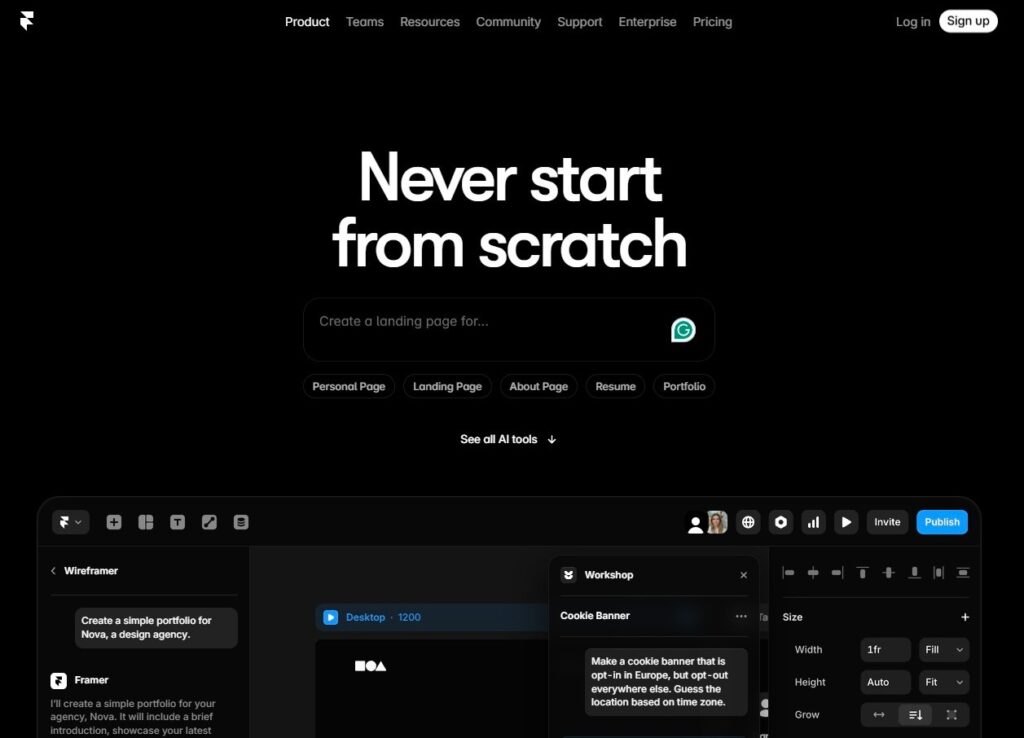
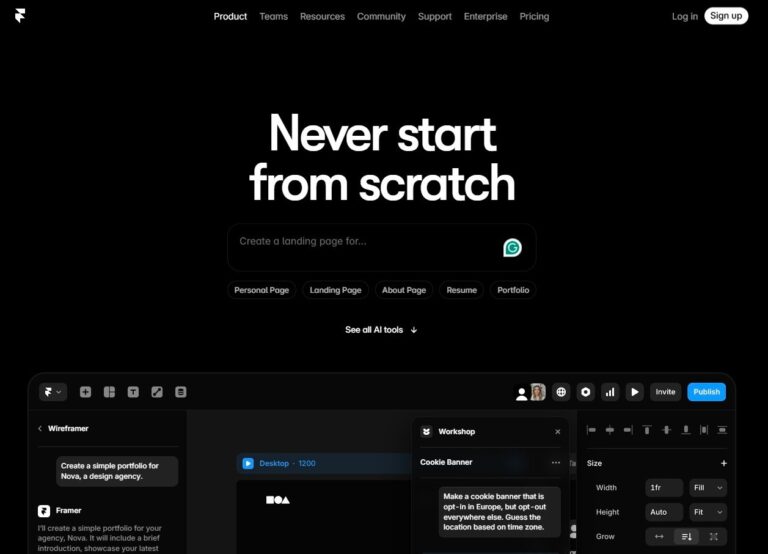
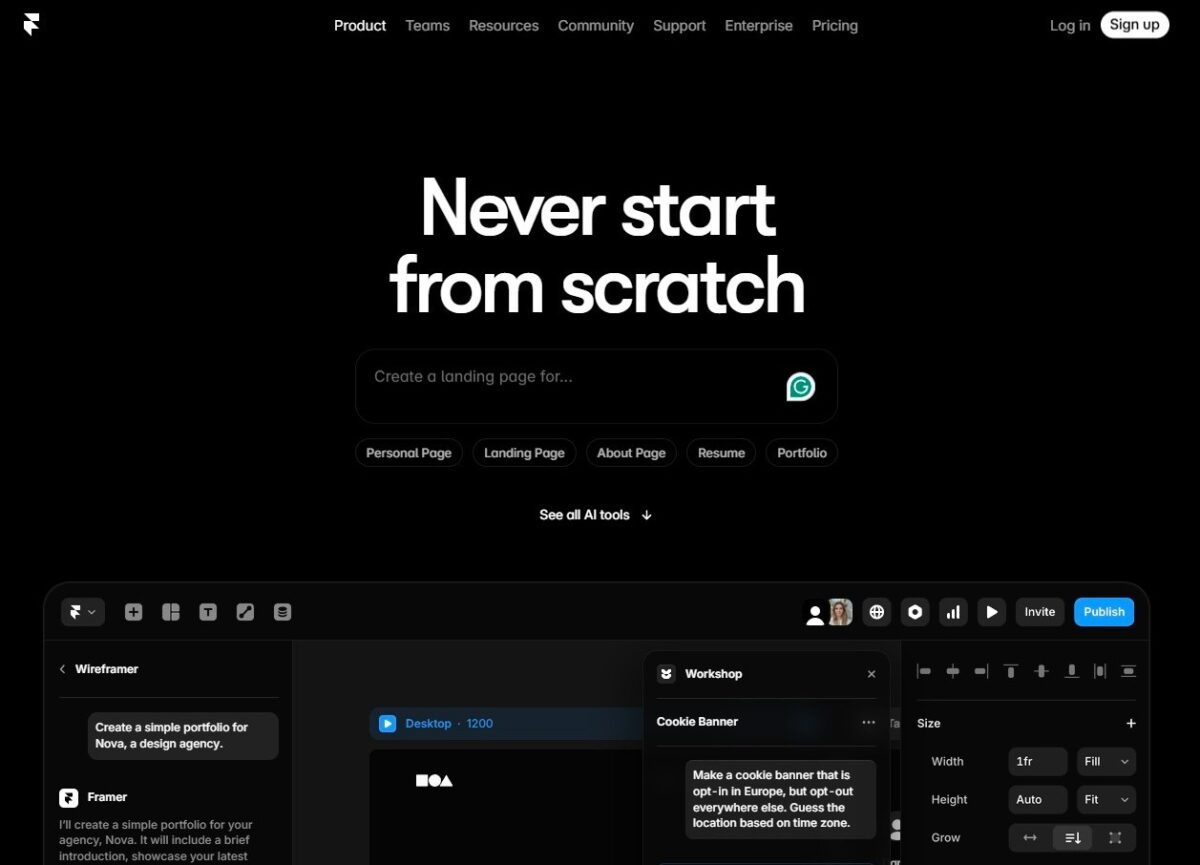
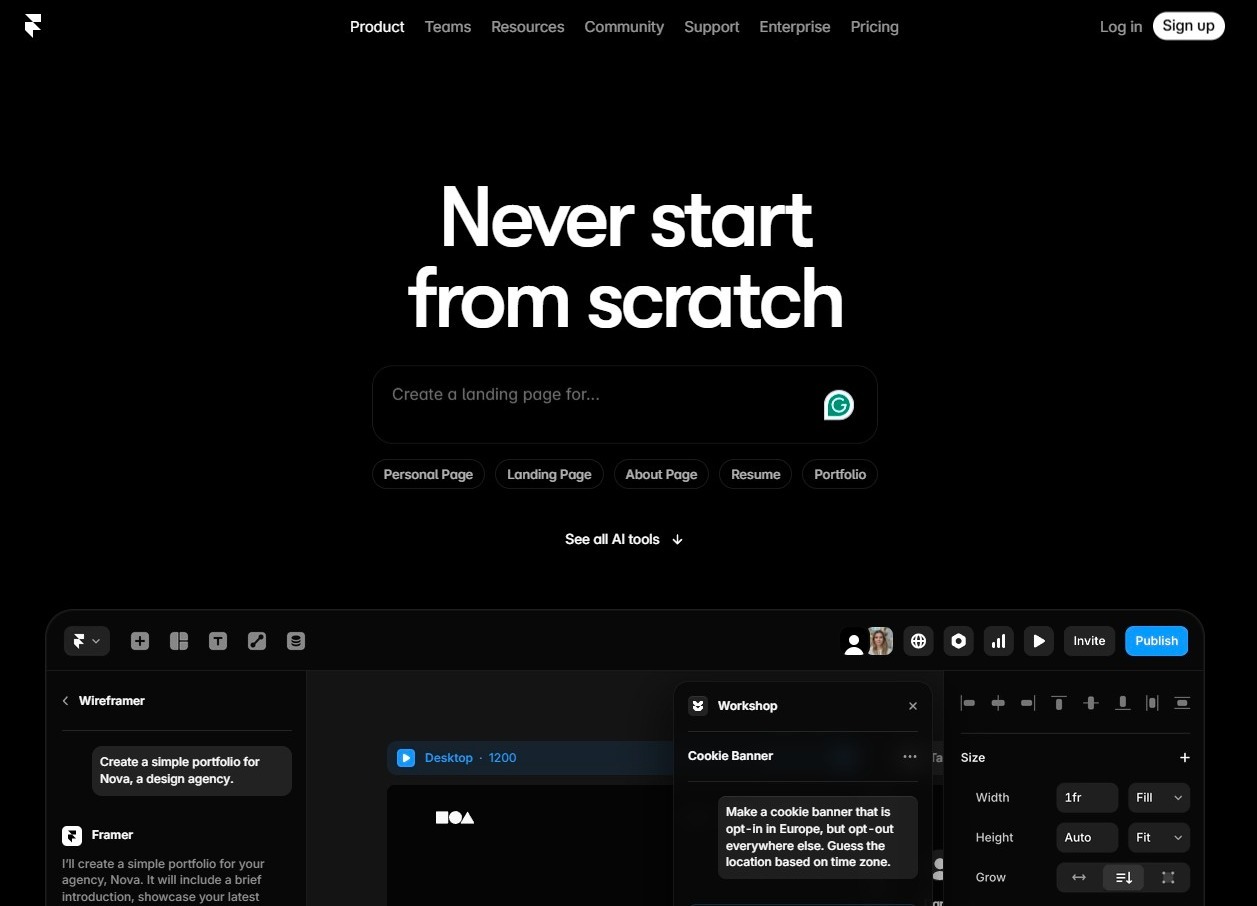
13. Framer AI – design‑first website and landing Page builder
 https://wordable.io/wp-content/uploads/2026/02/image-37-300x216.jpeg 300w, https://wordable.io/wp-content/uploads/2026/02/image-37-768x554.jpeg 768w, https://wordable.io/wp-content/uploads/2026/02/image-37-1200x865.jpeg 1200w, https://wordable.io/wp-content/uploads/2026/02/image-37.jpeg 1257w" alt="Screenshot of Framer AI's homepage." width="1024" height="738" />
Framer AI is a website builder engine. Build, design, organize, and create pages with interactive elements and built-in hosting.
What it does:
Framer AI uses prompts and AI design logic to build responsive websites and landing pages quickly.
Key features:
- AI layout generation
- Component libraries
- Interactive elements
- SEO and performance settings
- Built‑in hosting
Why it’s on the list:
Most content stacks focus on copy and visuals — but content needs a home. AI‑powered website builders like Framer dramatically reduce build time.
Example use:
A startup creates an optimized landing page in under an hour using Framer’s AI wizard, complete with mobile‑friendly sections and CTAs.
Tips:
- Use the built-in hosting option to reduce deployment complexity.
- Explore component libraries for better results.
- Pair with analytics and A/B testing tools to optimize performance after launch.
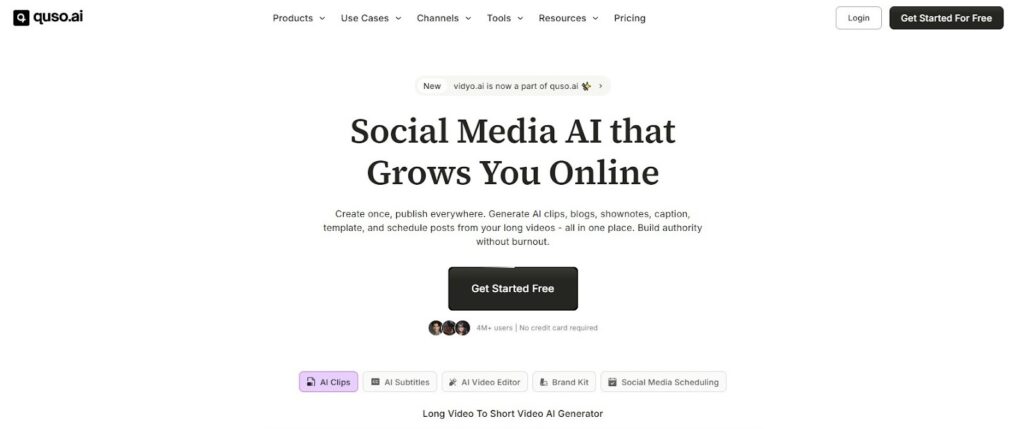
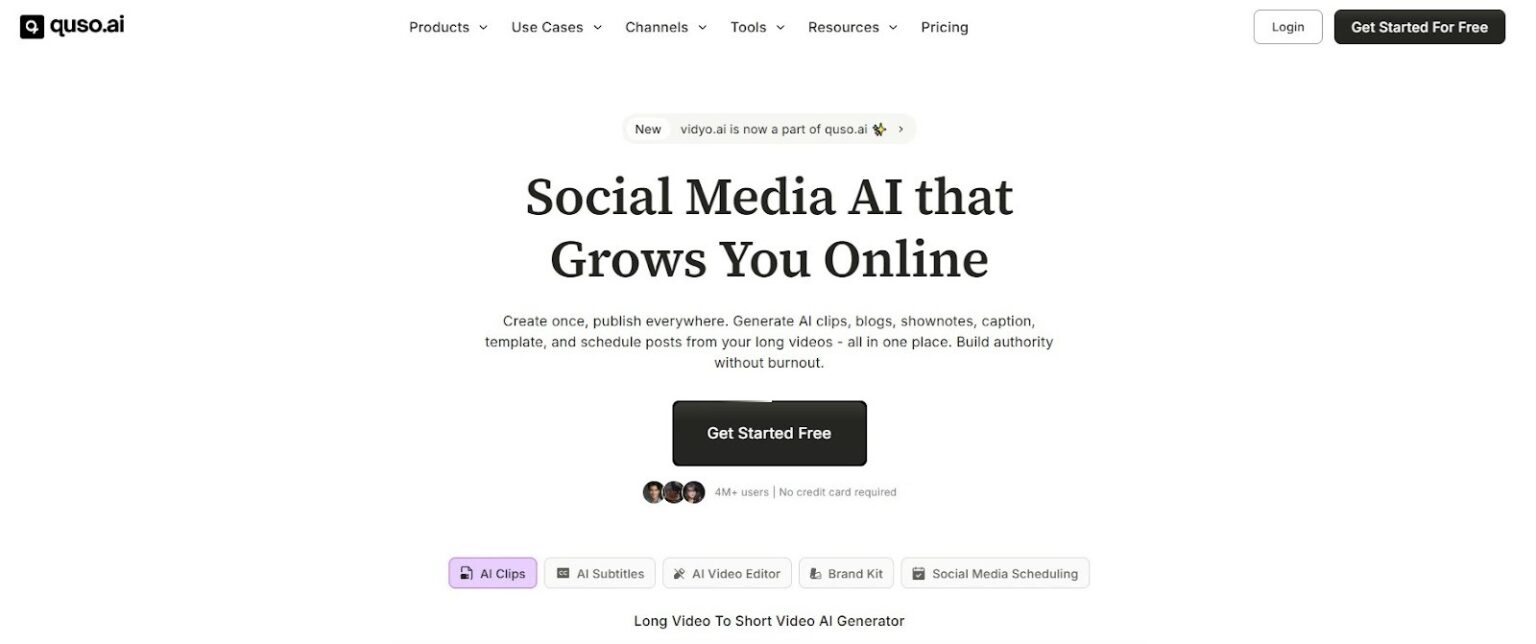
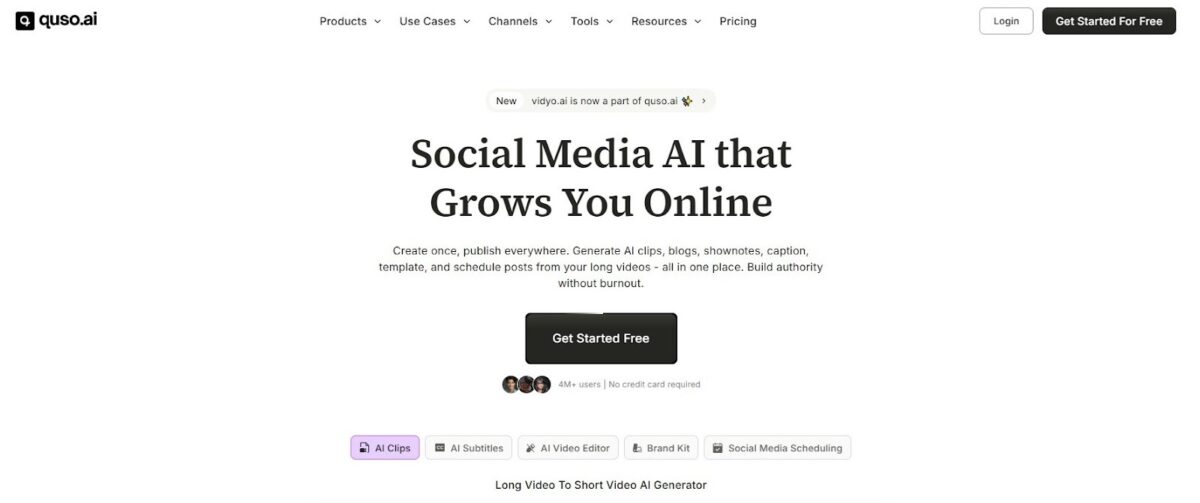
14. Vidyo.ai (Quso.ai) – AI video editing for short‑form content
 https://wordable.io/wp-content/uploads/2026/02/image-38-300x126.jpeg 300w, https://wordable.io/wp-content/uploads/2026/02/image-38-768x322.jpeg 768w, https://wordable.io/wp-content/uploads/2026/02/image-38-1536x644.jpeg 1536w, https://wordable.io/wp-content/uploads/2026/02/image-38-1200x503.jpeg 1200w, https://wordable.io/wp-content/uploads/2026/02/image-38.jpeg 1600w" alt="Vidyo AI (Quso AI) is a long-form video editor." width="1024" height="429" />
Vidyo AI (quso.ai) is a video editing tool that helps bring short-form videos to life from your long-form content.
What it does:
Vidyo.ai uses AI to automatically edit long‑form videos into short clips tailored for platforms like TikTok, YouTube Shorts, Instagram Reels, and LinkedIn.
Key features:
- Auto highlights
- Caption generation
- Format conversion
- Clip tagging
- Music and transitions
Why it’s on the list:
Video dominates digital consumption, and repurposing long‑form content manually is slow and expensive. Vidyo AI automates this at scale.
Example use:
A keynote speaker uploads a 60‑minute talk. Vidyo AI generates multiple short clips optimized for social engagement, increasing views and engagement.
Tips:
- Review AI‑generated clips for context accuracy before publishing.
- Choose editing options for optimal results.
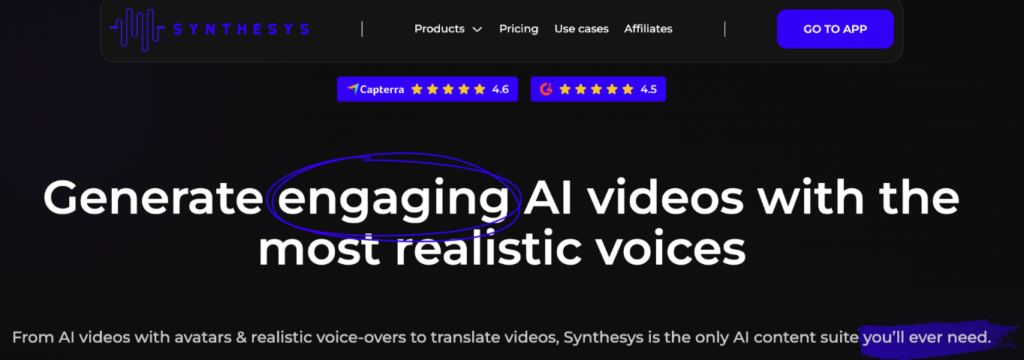
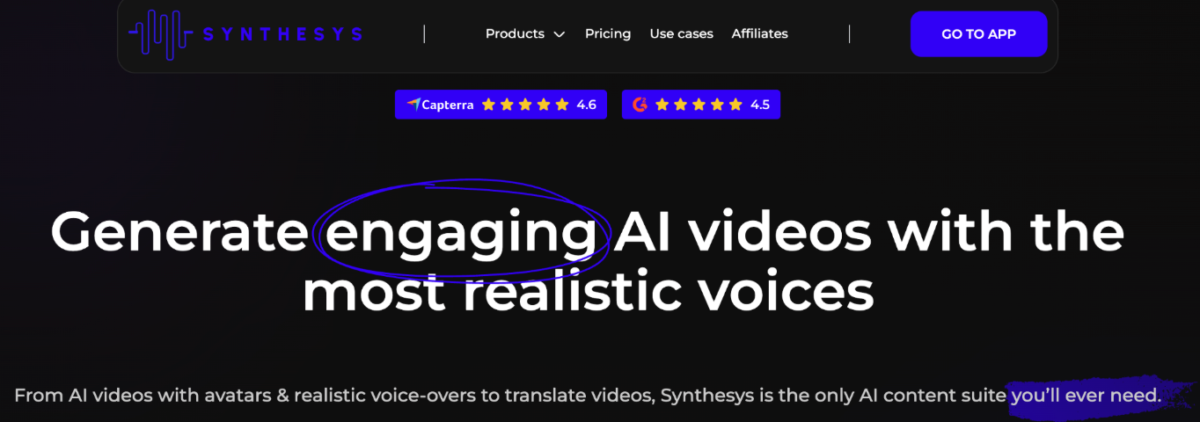
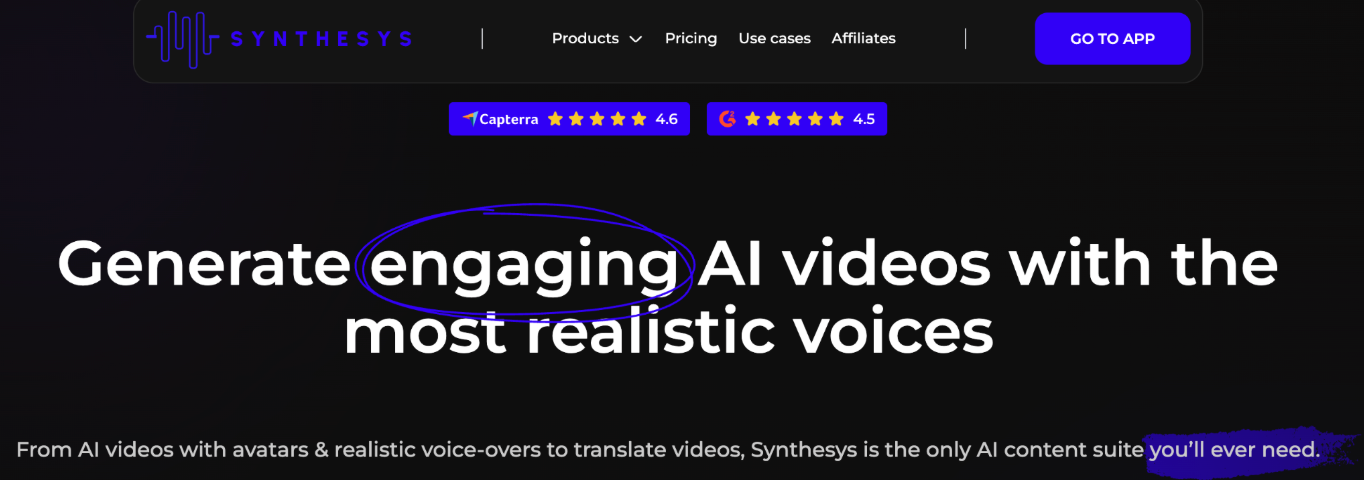
15. Synthesys – AI audio and video voiceovers
 https://wordable.io/wp-content/uploads/2026/02/image-52-300x106.png 300w, https://wordable.io/wp-content/uploads/2026/02/image-52-768x270.png 768w, https://wordable.io/wp-content/uploads/2026/02/image-52-1200x422.png 1200w, https://wordable.io/wp-content/uploads/2026/02/image-52.png 1364w" alt="Synthesys AI audio and video voiceovers" width="1024" height="360" />
Synthesys is an AI tool meant to help with audio and video voiceovers for your content.
What it does:
Synthesys generates realistic voiceovers and AI‑presented video narrations without recording equipment or actors.
Key features:
- Natural human voices
- Multiple languages and accents
- Script‑to‑speech conversion
- Custom avatars (video)
Why it’s on the list:
Audio and video narration are essential in modern content, especially for training, tutorials, explainer videos, and voice ads.
Example use:
A training company creates professional product tutorial videos with AI voiceovers, cutting production time and cost.
Tips:
- Add branding elements, music beds, and captions for maximum engagement.
- Find the best voice for your video narration for ultimate results.
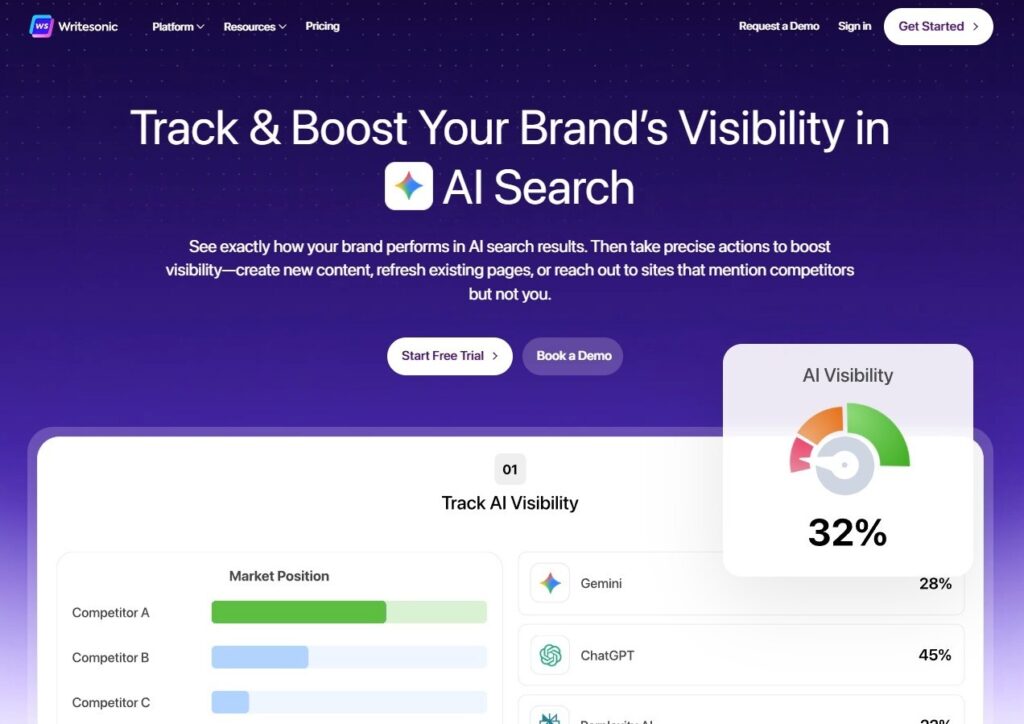
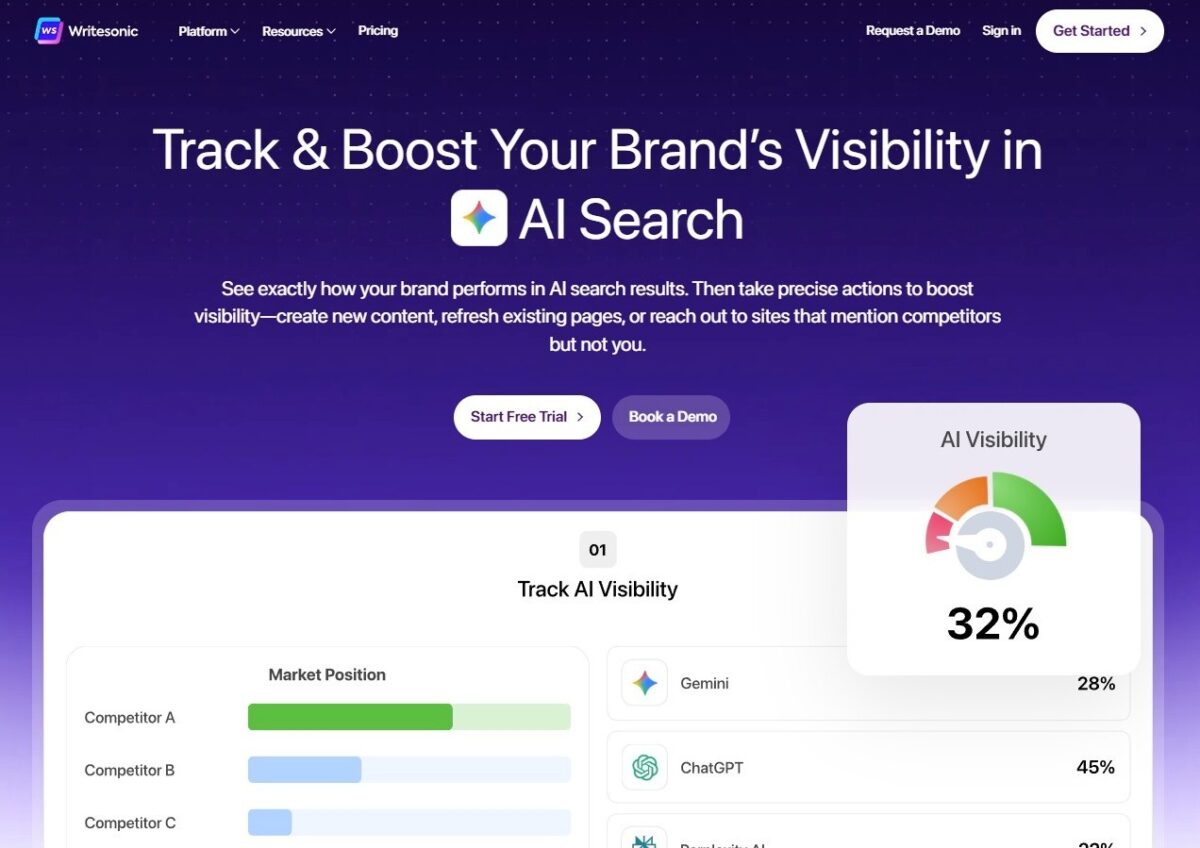
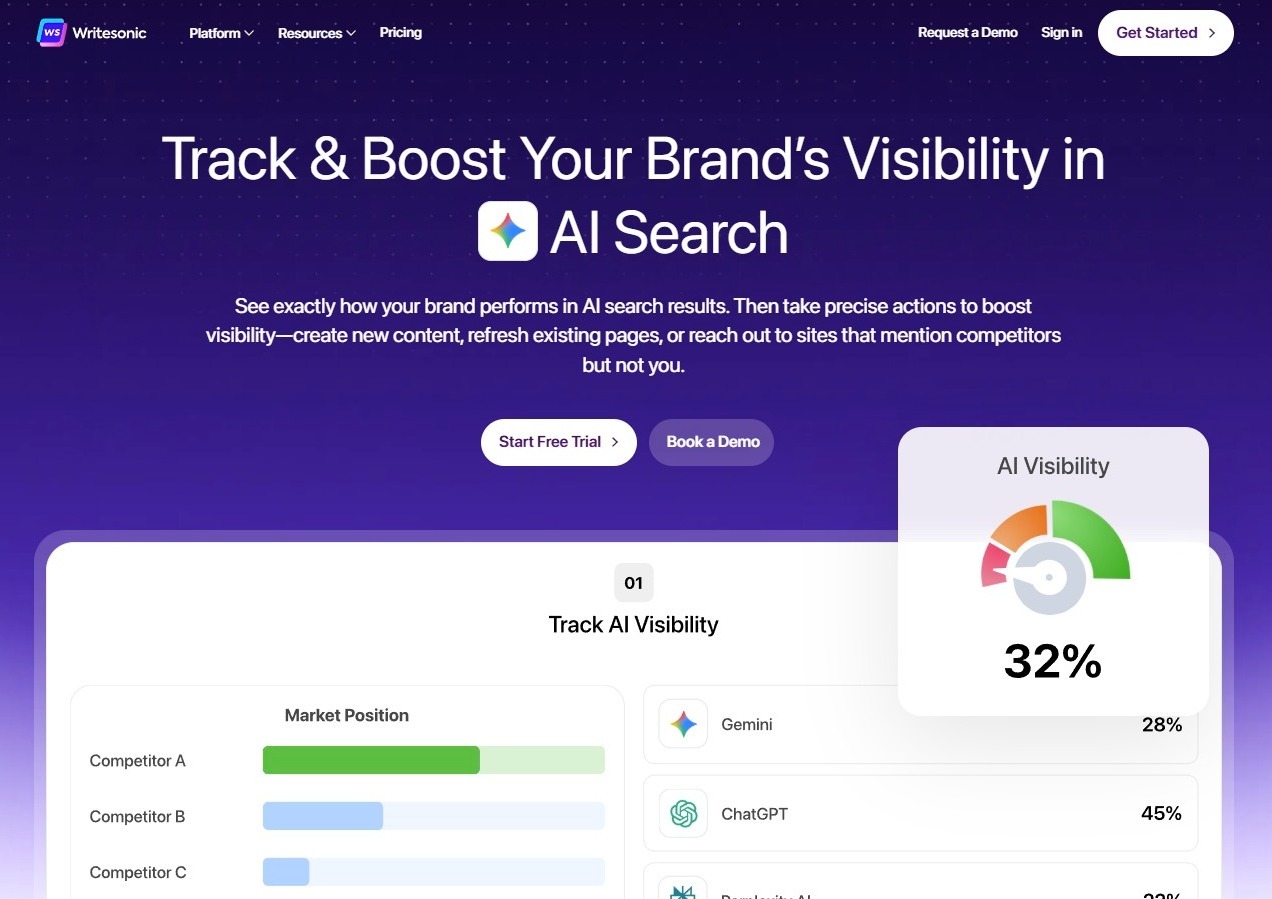
16. Writesonic – all‑in‑one AI for content + ads
 https://wordable.io/wp-content/uploads/2026/02/image-39-300x212.jpeg 300w, https://wordable.io/wp-content/uploads/2026/02/image-39-768x543.jpeg 768w, https://wordable.io/wp-content/uploads/2026/02/image-39-1200x848.jpeg 1200w, https://wordable.io/wp-content/uploads/2026/02/image-39.jpeg 1272w" alt="Writesonic AI writing tool screenshot." width="1024" height="724" />
Writesonic helps you with all your writing efforts, but it also has AI SEO capabilities.
What it does:
Writesonic provides end‑to‑end AI writing for blogs, landing pages, ads, product descriptions, and more.
Key features:
- Blog generator and outline builder
- AI SEO assistant
- PPC ad creator
- eCommerce product description writer
- Multi‑language support
Why it’s on the list:
Writesonic is excellent for teams that want versatile AI writing without switching between tools.
Example use:
A SaaS company uses Writesonic to produce SEO blogs, nurture emails, and retargeting ad copy weekly, significantly reducing its content backlog. Besides, adding AI-generated video can help create video clips and multilingual voiceovers.
Tips:
- Use the guided templates to maintain consistency and quality.
- Choose tone and voice for your blog efforts.
17. Predis.ai – AI-powered social media content creation platform
Predis.ai is an AI-powered content creation platform that helps businesses and creators generate complete social media content, including visuals, captions, and short-form videos, from simple text inputs.
What it does:
It converts ideas, prompts, or product descriptions into ready-to-publish social media content. The platform can generate post creatives, ad designs, captions, hashtags, and also includes a social media post generator that creates ready-to-use content for platforms like Instagram, Facebook, LinkedIn, and more.
Key features:
- AI-generated social media posts from text or product inputs
- Automated captions and hashtag suggestions
- Ready-made templates for branded content
- Content ideas and competitor insights
- Scheduling and publishing tools for social platforms
Why it’s on the list:
Modern marketing requires fast, consistent output across both static visuals and video formats. This tool simplifies the entire workflow by combining design, copywriting, and video creation into a single system, making it accessible even for non-designers and small teams.
Example use:
A D2C brand uses the platform to turn product details into Instagram posts, generate engaging captions, and create short promotional videos showcasing product benefits for social media ads and Reels.
Tips:
- Start with a clear product idea or campaign brief for better outputs
- Edit AI-generated captions to align with your brand tone
- Use the AI video generator to repurpose posts into Reels or ad creatives
- Maintain consistent branding elements like colors, fonts, and messaging across all content
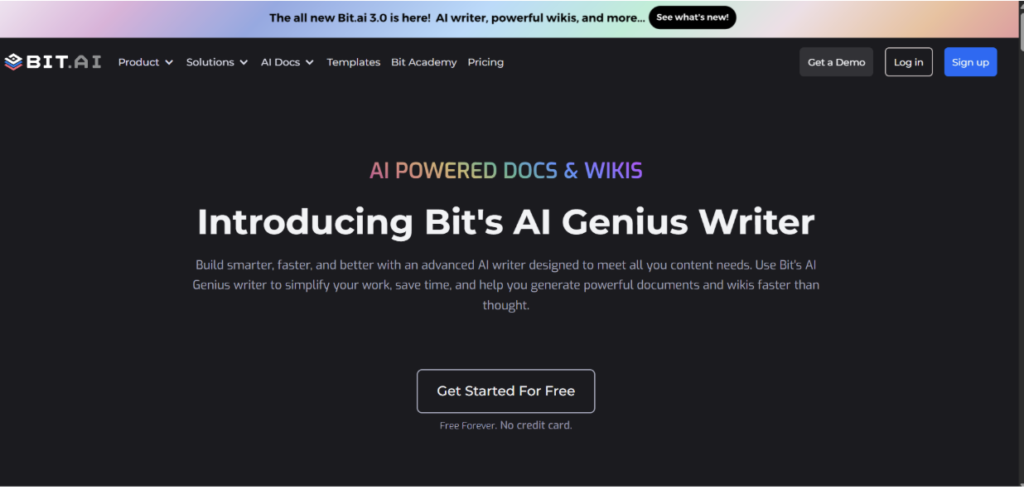
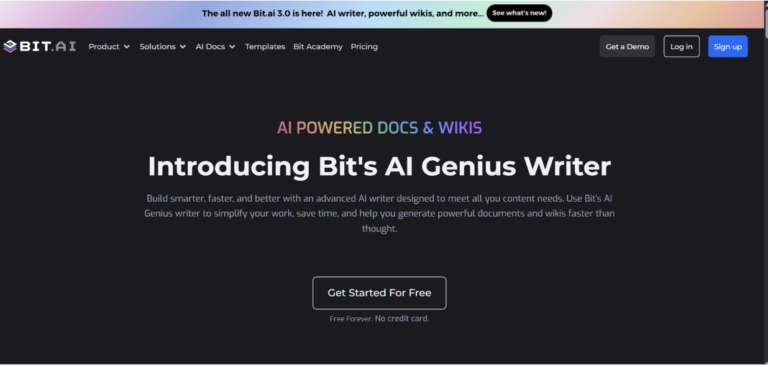
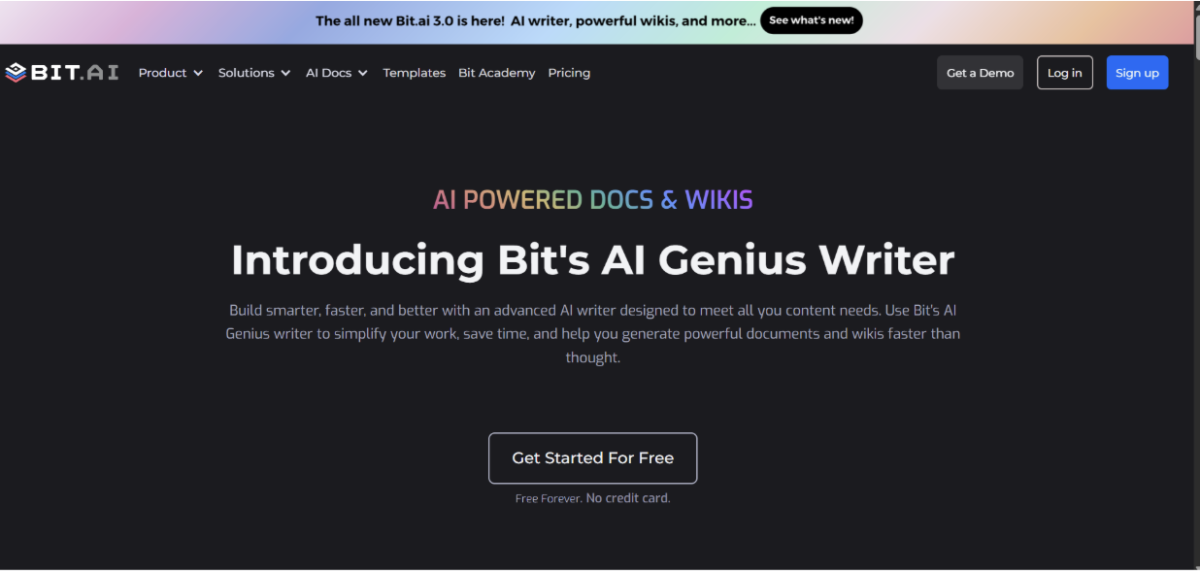
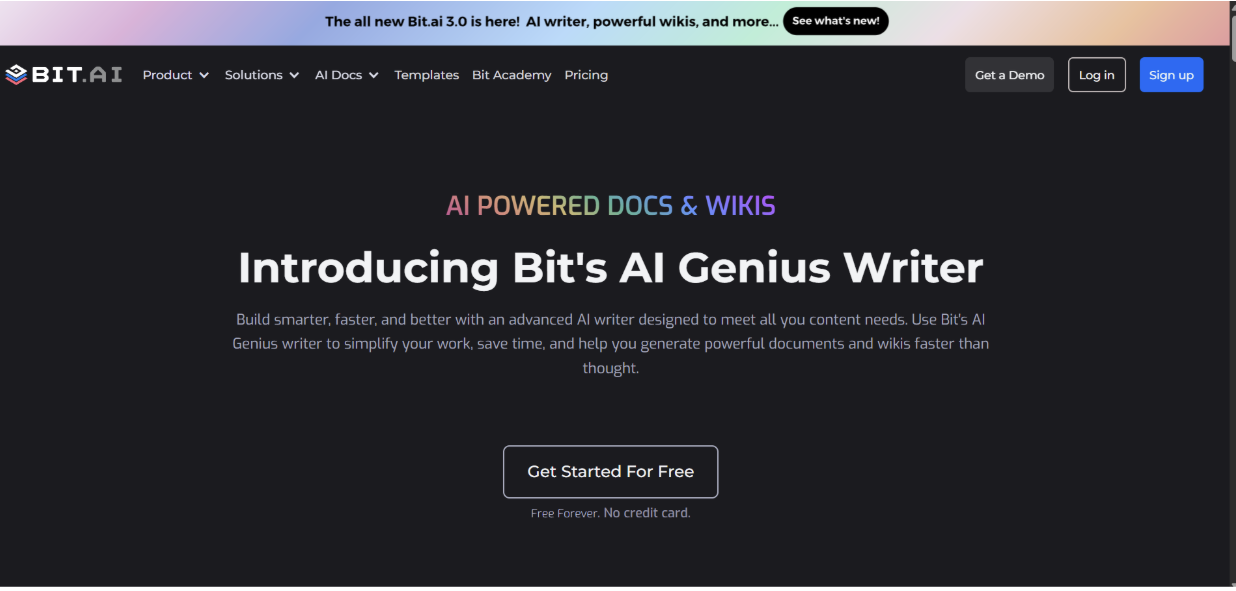
18. Bit AI Genius Writer – smart document + AI writing platform
 https://wordable.io/wp-content/uploads/2026/02/Screenshot-2026-04-20-at-23.44.35-300x143.png 300w, https://wordable.io/wp-content/uploads/2026/02/Screenshot-2026-04-20-at-23.44.35-768x367.png 768w, https://wordable.io/wp-content/uploads/2026/02/Screenshot-2026-04-20-at-23.44.35-1200x574.png 1200w, https://wordable.io/wp-content/uploads/2026/02/Screenshot-2026-04-20-at-23.44.35.png 1236w" alt="" width="1024" height="490" />
Bit AI Genius Writer is an AI-powered writing assistant built into a modern document collaboration platform.
What it does:
Bit AI Genius Writer helps create, edit, and enhance content inside smart documents while enabling real-time collaboration.
Key features:
- AI-powered content generation
- Smart document editor
- Real-time collaboration
- Content organization with workspaces
- Rich media embedding (videos, PDFs, links)
Why it’s on the list:
Content creation today isn’t just about writing—it’s about collaboration and organization. Bit AI combines AI writing with document management, making it ideal for teams.
Example use:
Marketing teams create blog drafts, SOPs, and content libraries in Bit, using Genius Writer to speed up writing and maintain consistency.
Tips:
- Use templates and workspaces to organize your content efficiently.
- Embed links, files, and media to create interactive documents.
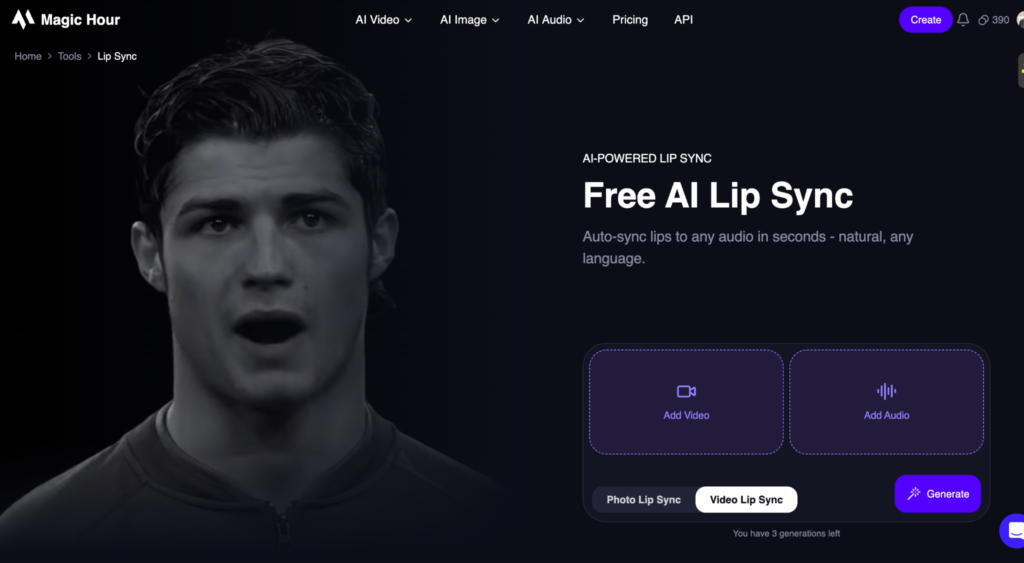
19. Magic Hour AI – Lip Sync Video AI
 https://wordable.io/wp-content/uploads/2026/02/image-60-300x165.png 300w, https://wordable.io/wp-content/uploads/2026/02/image-60-768x422.png 768w, https://wordable.io/wp-content/uploads/2026/02/image-60-1536x845.png 1536w, https://wordable.io/wp-content/uploads/2026/02/image-60-1200x660.png 1200w, https://wordable.io/wp-content/uploads/2026/02/image-60-1980x1089.png 1980w, https://wordable.io/wp-content/uploads/2026/02/image-60.png 2048w" alt="" width="1024" height="563" />
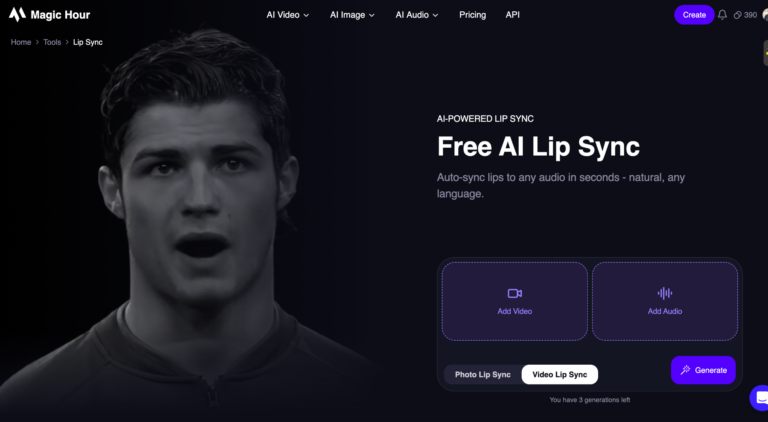
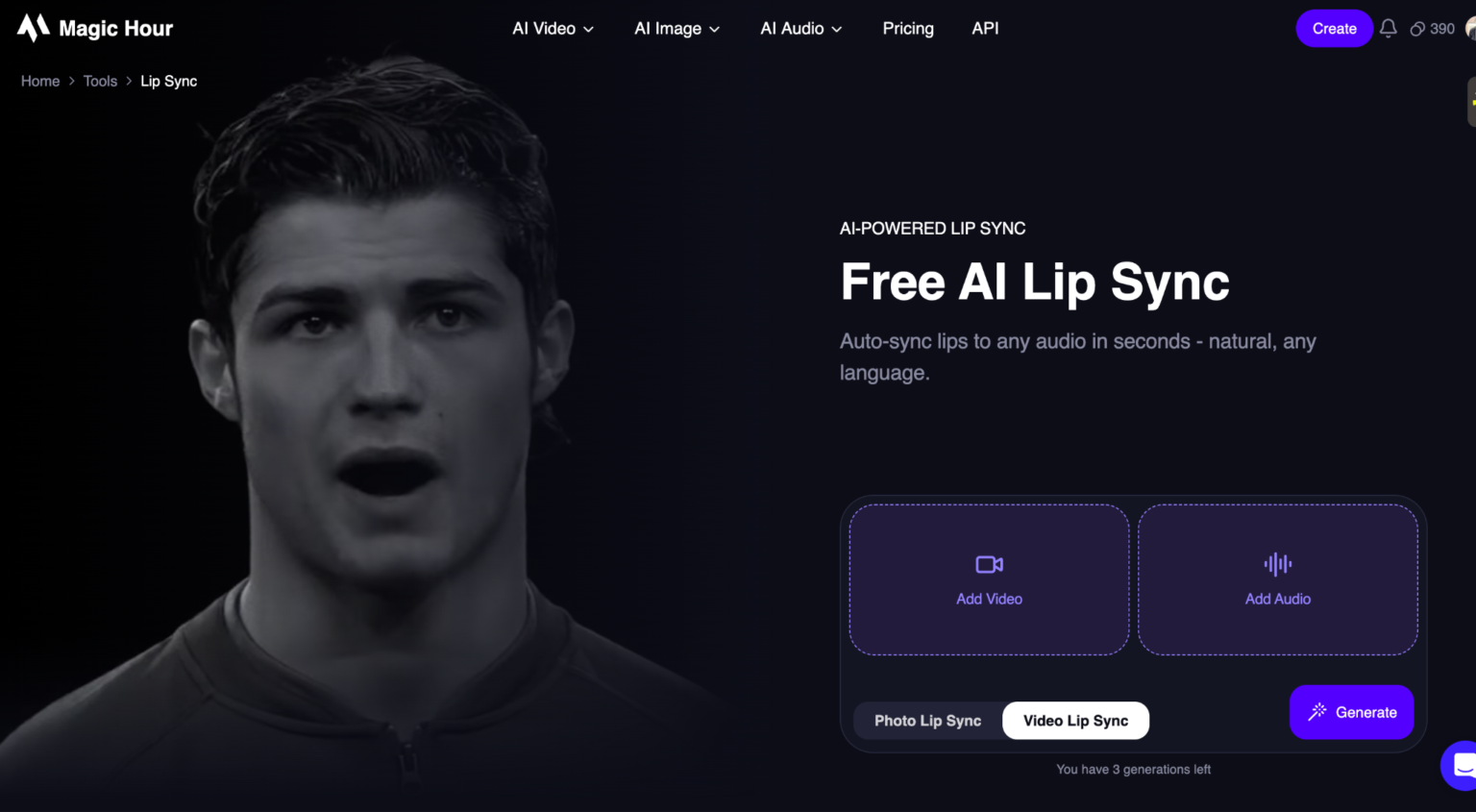
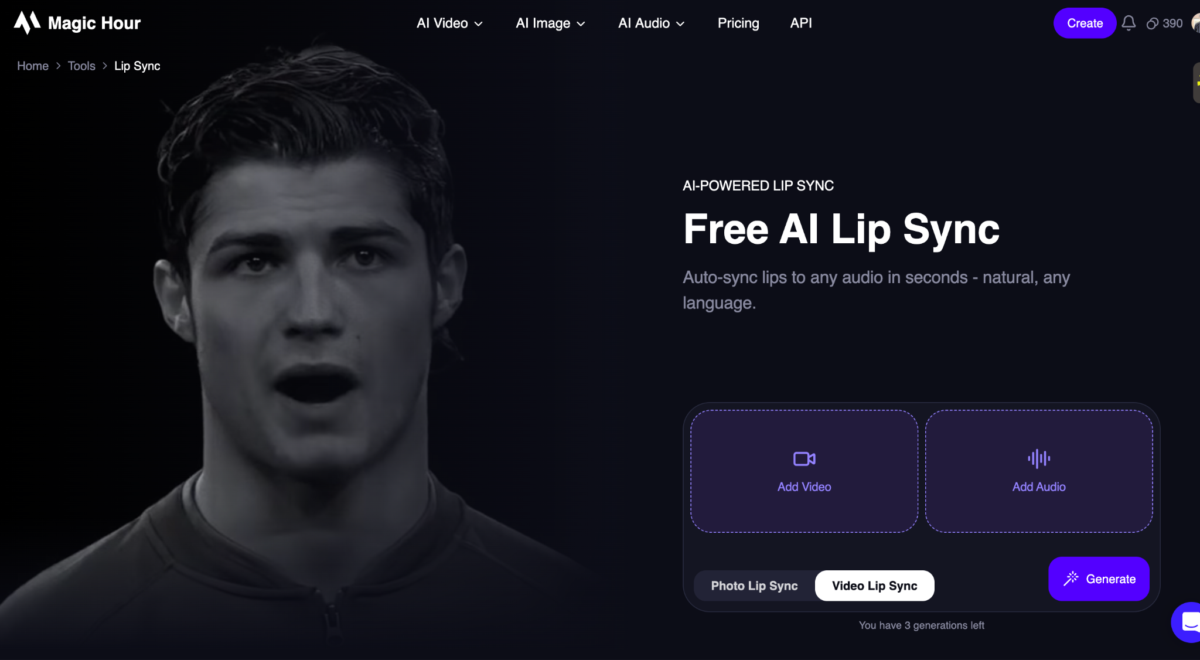
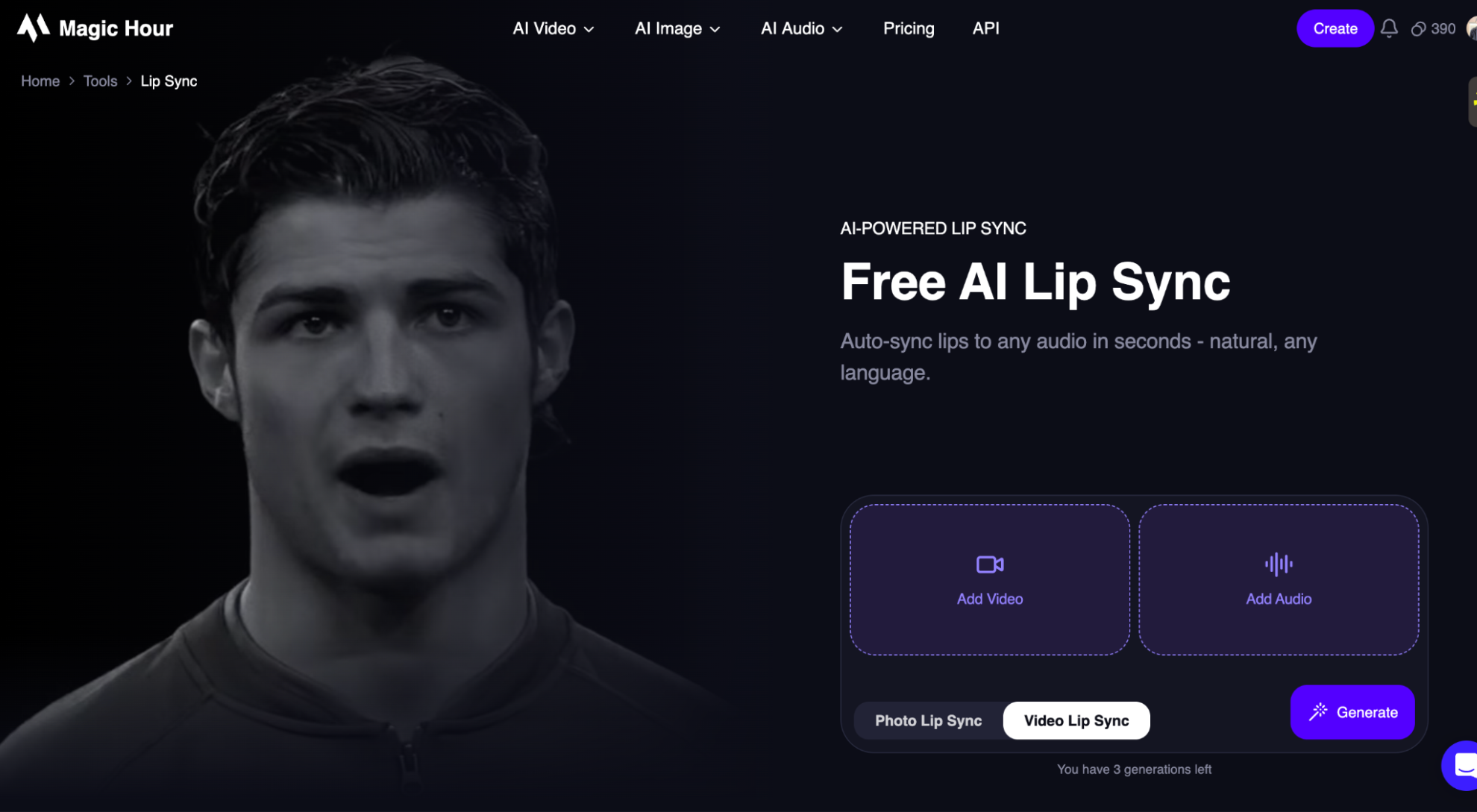
Magic Hour offers advanced AI lip sync capabilities that automatically align spoken audio with realistic mouth movements in videos.
What it does:
Magic Hour Lip Sync synchronizes voiceovers with facial movements, making videos look natural and professionally edited without manual animation.
Key features:
- AI-powered lip synchronization
- Multi-language voice support
- Frame-by-frame facial adjustment
- Realistic expression matching
- Fast automated processing
Why it’s on the list:
It eliminates the need for complex editing tools by automating lip-syncing, making it easy to produce high-quality, localized, and engaging video content.
Example use:
A content creator uses Magic Hour to dub videos into multiple languages while keeping the speaker’s lip movements perfectly aligned.
Tips:
- Use clear, high-quality audio for better sync accuracy
- Choose front-facing videos for more realistic results
- Match tone and pacing of voiceovers with original expressions
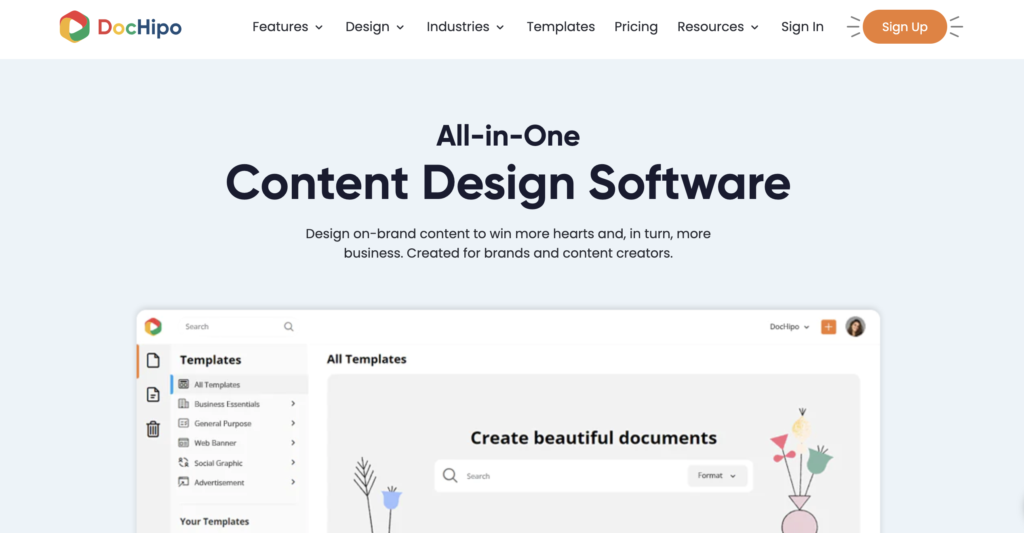
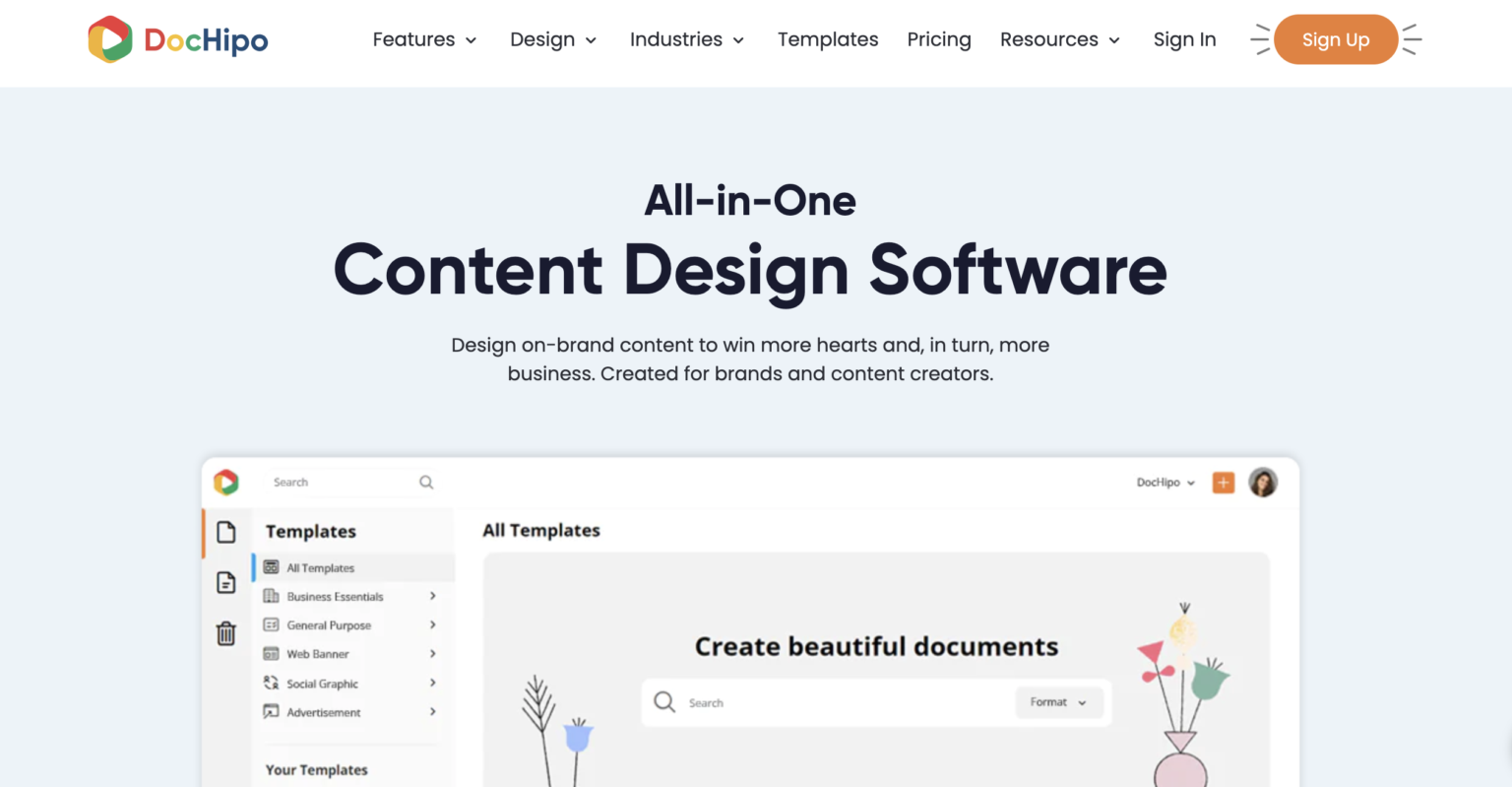
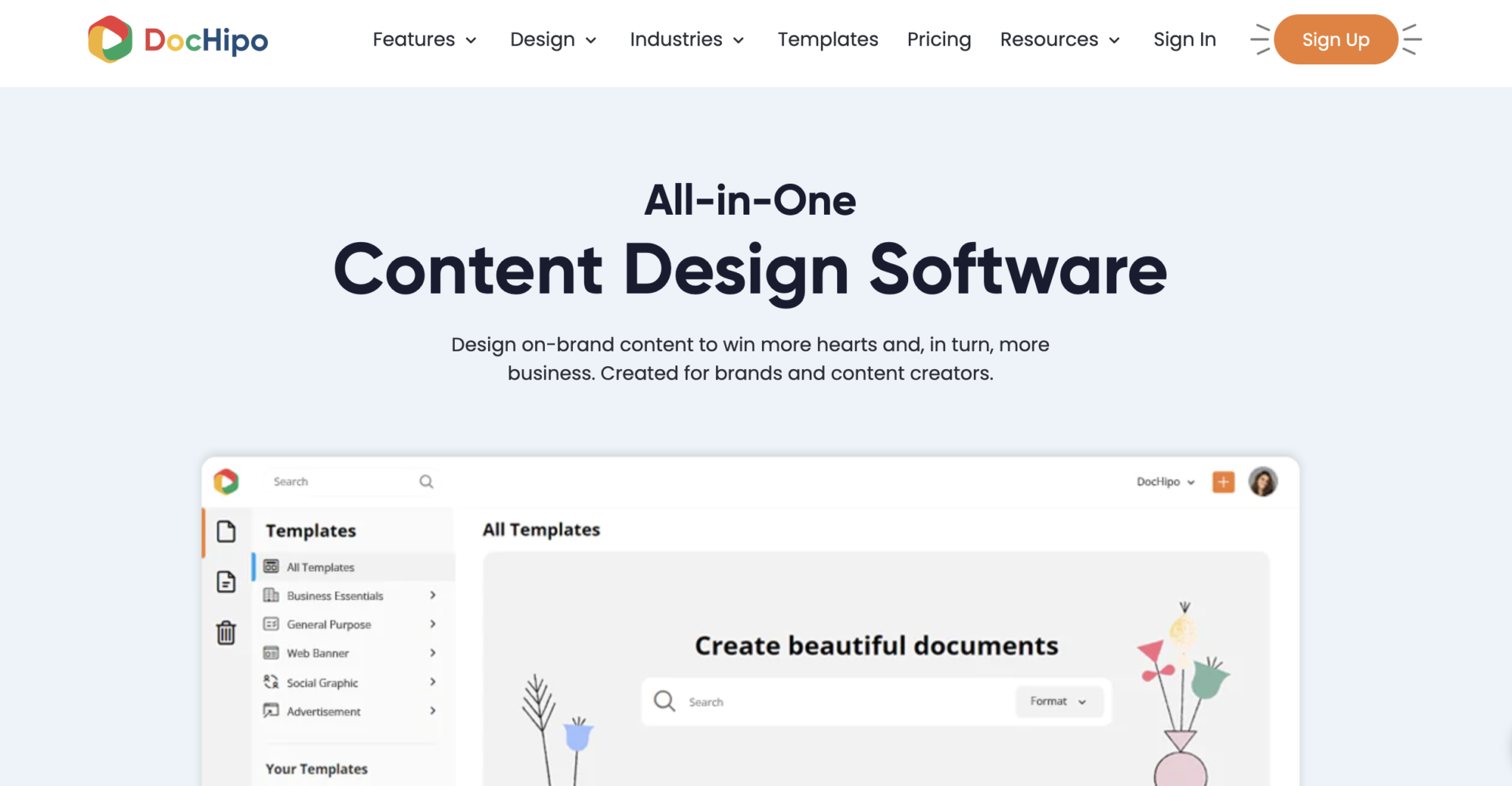
20. DocHipo – text and visual generation
 https://wordable.io/wp-content/uploads/2026/02/Screenshot-2026-10-16-at-6.21.52-PM-300x156.png 300w, https://wordable.io/wp-content/uploads/2026/02/Screenshot-2026-10-16-at-6.21.52-PM-768x399.png 768w, https://wordable.io/wp-content/uploads/2026/02/Screenshot-2026-10-16-at-6.21.52-PM-1536x799.png 1536w, https://wordable.io/wp-content/uploads/2026/02/Screenshot-2026-10-16-at-6.21.52-PM-2048x1065.png 2048w, https://wordable.io/wp-content/uploads/2026/02/Screenshot-2026-10-16-at-6.21.52-PM-1200x624.png 1200w, https://wordable.io/wp-content/uploads/2026/02/Screenshot-2026-10-16-at-6.21.52-PM-1980x1030.png 1980w" alt="" width="1024" height="533" />
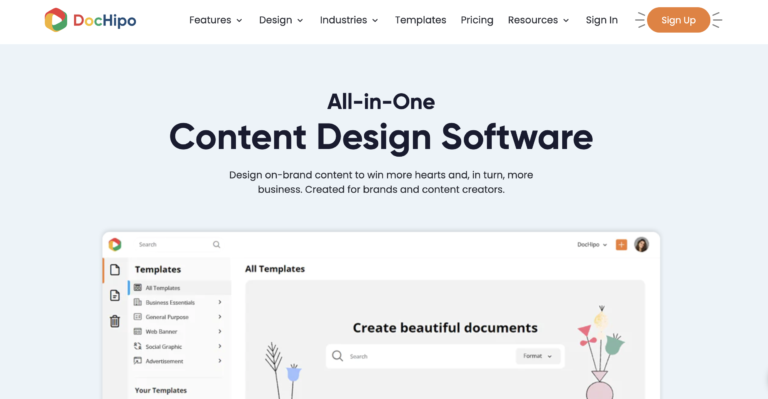
DocHipo integrates AI features into its content design suite for faster professional content generation.
What it does:
With DocHipo’s integrated AI Image Generator, you can generate unique visuals, including digital art, photographs, and fine art, for your marketing graphics. Also, the AI Writer lets you instantly craft and integrate marketing and ad copy, social media posts and captions, catchy headlines and taglines, and more right into the design.
Key features:
- Text-to-AI image generator
- AI Writer
- Tone and style control
- Background removal
- AI Translate for over 100 languages
Why it’s on the list:
DocHipo’s AI capabilities speed up your visual content creation, save time, and help you consistently communicate your message in your business tone.
Example use:
A product company can generate a business presentation outline, company overview, and product descriptions using DocHipo’s AI writer.
Tips:
- Write a detailed prompt description for visual generation.
- Choose the right tone to produce text that aligns with your brand voice.
- You can fix the spelling, summarize, or rewrite to optimize text according to your needs.
Final notes on choosing AI tools
When selecting the best AI tools for content creation, consider:
1. Workflow fit
Does the tool solve a real bottleneck?
A tool without need becomes clutter.
2. Integration
Does it connect with your CMS, CRM, DAM, or calendar tools?
Seamless flow saves time.
3. Scalability
Can it grow with your team?
Subscription tiers matter.
4. Customization
Can you define brand voice, tone, and style guidelines?
5. Measurable impact
Always track how tools affect content performance.
Best AI tools for content creation: Best practices
Now that you know what all these tools can do, have you figured out how you’ll use them yet?
If not, here are some of the best practices to try:
- Prompt clearly: AI is only as good as your instructions.
- Review with humans: AI writes — humans refine.
- Measure rigorously: Track engagement, SEO metrics, and conversions.
- Update often: AI evolves rapidly; update workflows annually.
- Avoid hallucinations: Always fact‑check generated content.
Common pitfalls and how to avoid them
Using the AI-powered content platforms can backfire without proper guardrails in place.
Always think of these:
- Don’t assume accuracy — validate facts.
- Resist over‑automation — personalize where it matters.
- Avoid generic outputs — add brand specificity.
- Don’t skip editing — AI isn’t a final publisher.
- Don’t ignore compliance — especially for health, legal, and financial content.
Finally, because some organizations use AI detection software as part of their review process, running your content through an AI content detection tool can offer a perspective on how it will be perceived.
The future of the best AI tools for content creation
AI adoption continues to grow fast. Gartner predicts that by 2028, 80% of content creation will involve some AI.
That doesn’t mean humans disappear. It means humans will focus more on strategy while AI will handle scale.
Content quality + strategic direction = competitive edge.
Final thoughts
The best AI tools for content creation in 2026 can transform how you plan, produce, optimize, and publish content. They reduce friction, increase speed, and amplify creativity — but they only deliver value when integrated into a structured workflow with clear strategy and measurement.
Your content stack should solve problems, not create them.
Choose tools that:
- Align with goals
- Integrate with systems
- Scale with workflows
- Drive measurable performance
The future of content is efficient, strategic, and human‑enhanced.







Comments